Start with the right workspace
Open your preferred coding assistant or 3D tool. Use the model shown on the example as a starting point, and check any linked project for setup instructions.
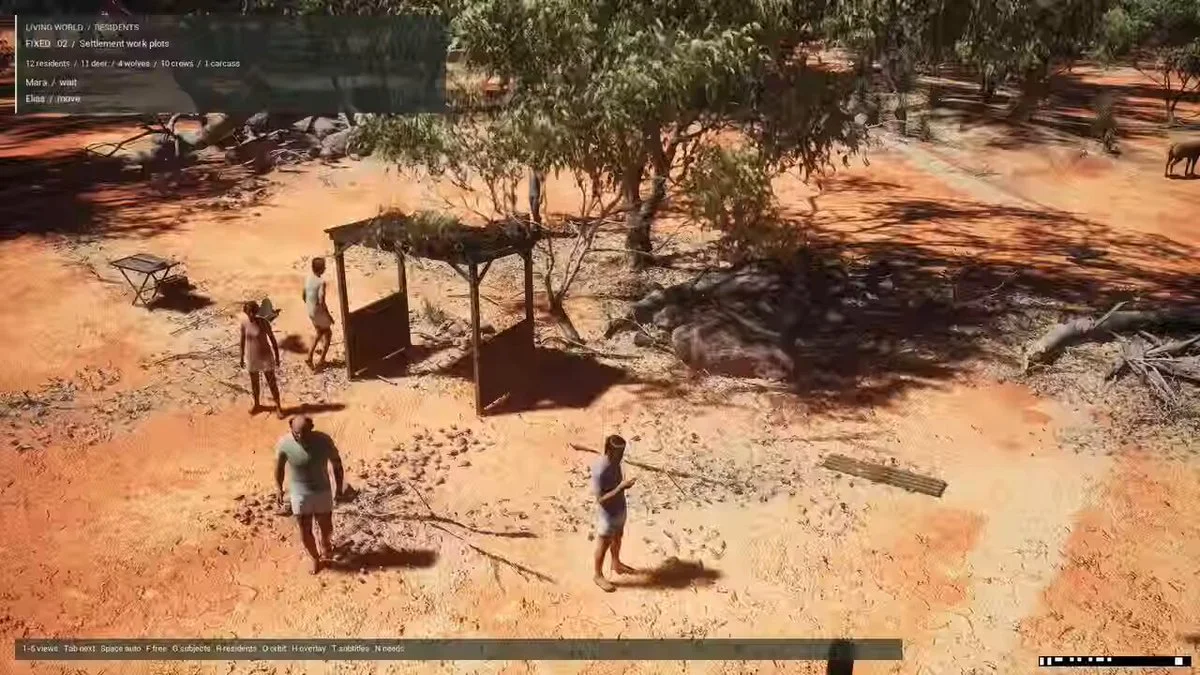
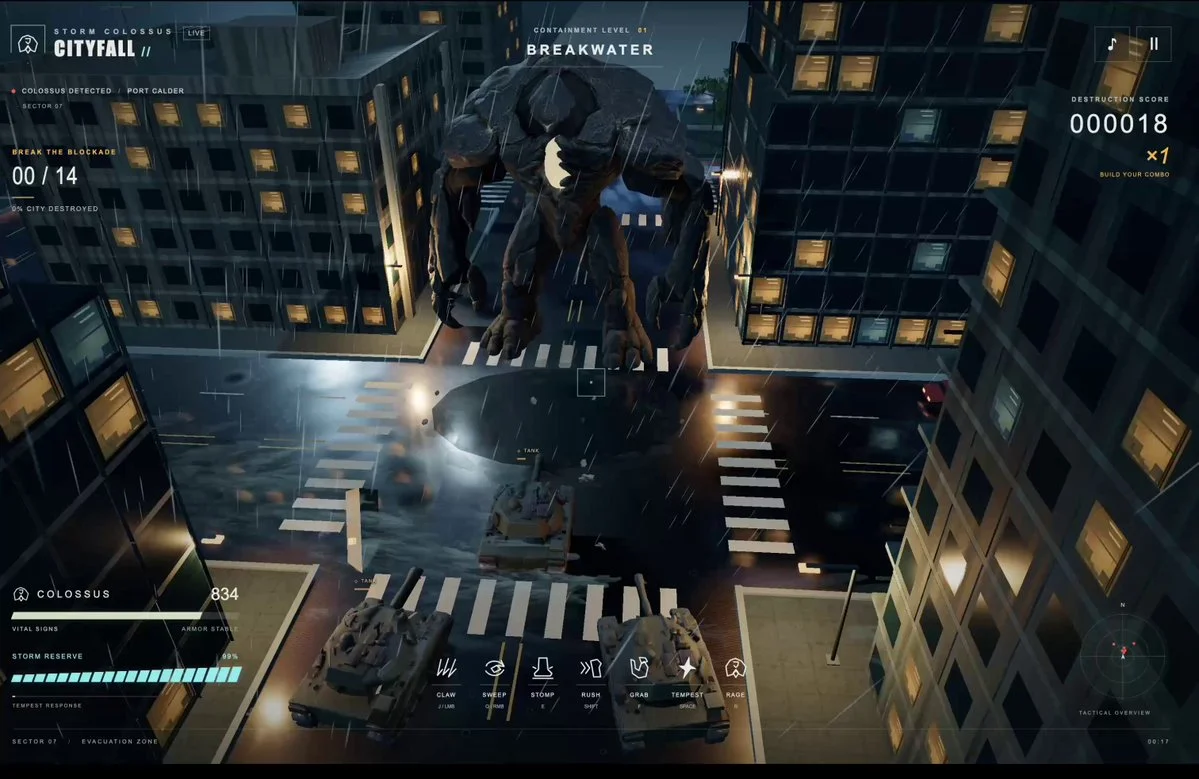
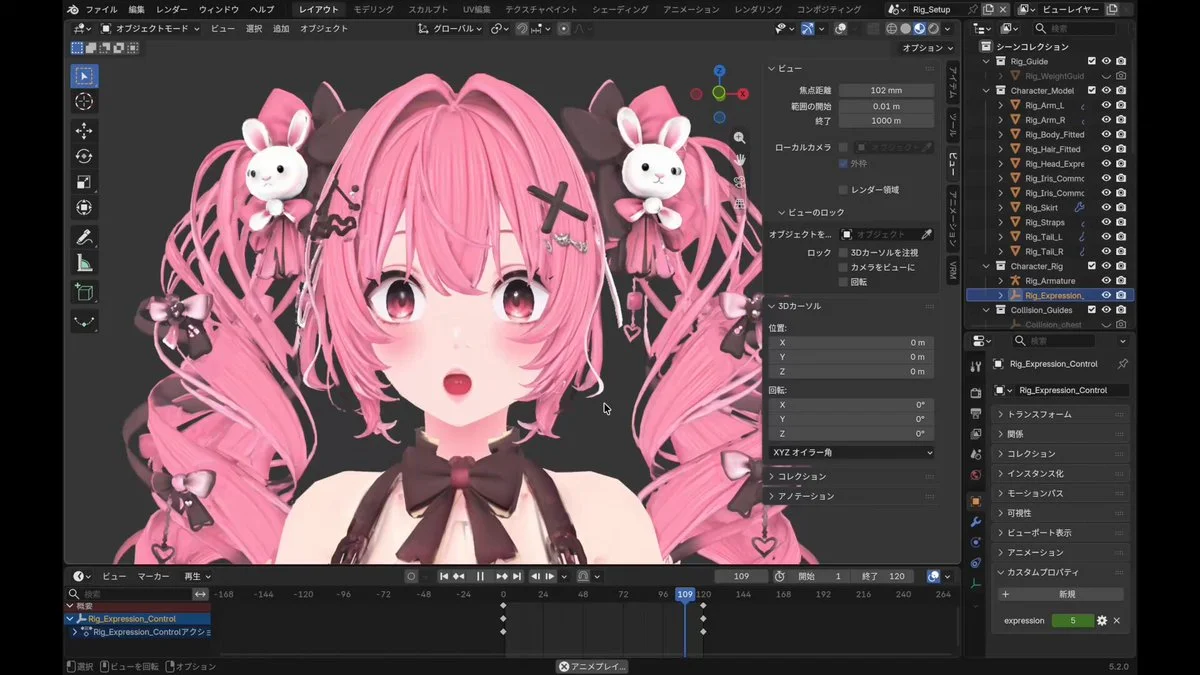
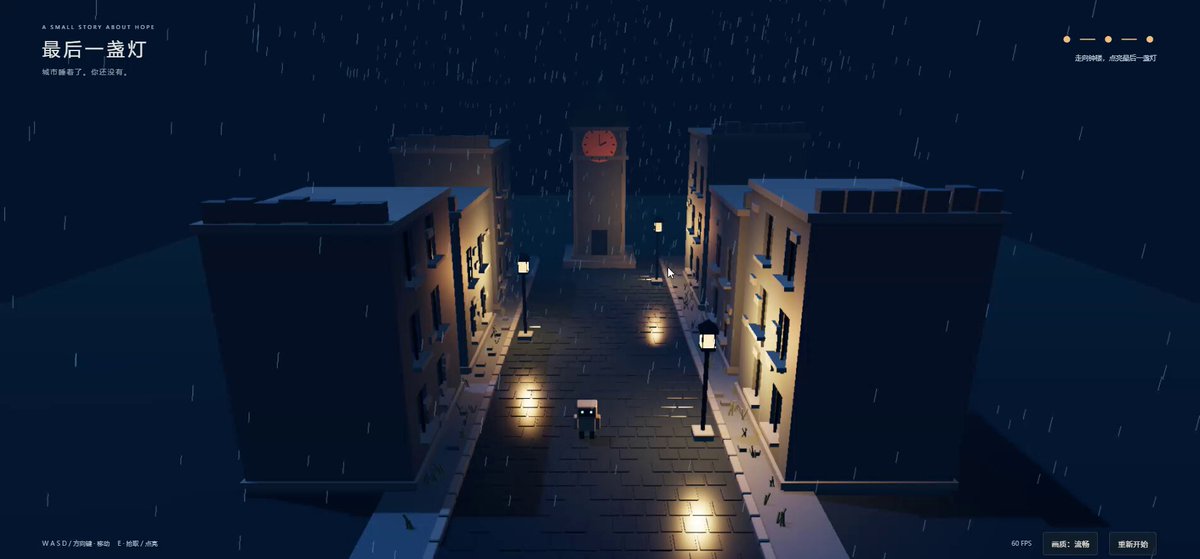
The author shares a workflow for creating a rough 3D game with Codex, Blender MCP, and Astra: first generate a target concept image, then continuously refine the game visuals through screenshot comparisons while maintaining 60 fps.
About this example
A starting brief based on the creator's public project, not a verbatim original prompt. Your result will vary.
Connect Codex to Blender MCP and enter a simple game concept. First generate a target concept image, then have Astra iteratively modify the scene in Blender by comparing screenshots, bringing the game visuals as close to the concept image as possible while maintaining 60 fps. Astra handles the modeling, asset creation, texturing, materials, and lighting adjustments. The author also mentions keeping high reasoning enabled throughout.
Open your preferred coding assistant or 3D tool. Use the model shown on the example as a starting point, and check any linked project for setup instructions.
Swap the subject, art style or setting. Keep the camera and interaction clear. Build a small version first, then refine one detail at a time.
For a custom character or prop, create a 3D model from a short object description or reference image, then bring it into your project.
Previews belong to their respective creators. Check the original source and project license before reusing code or assets.