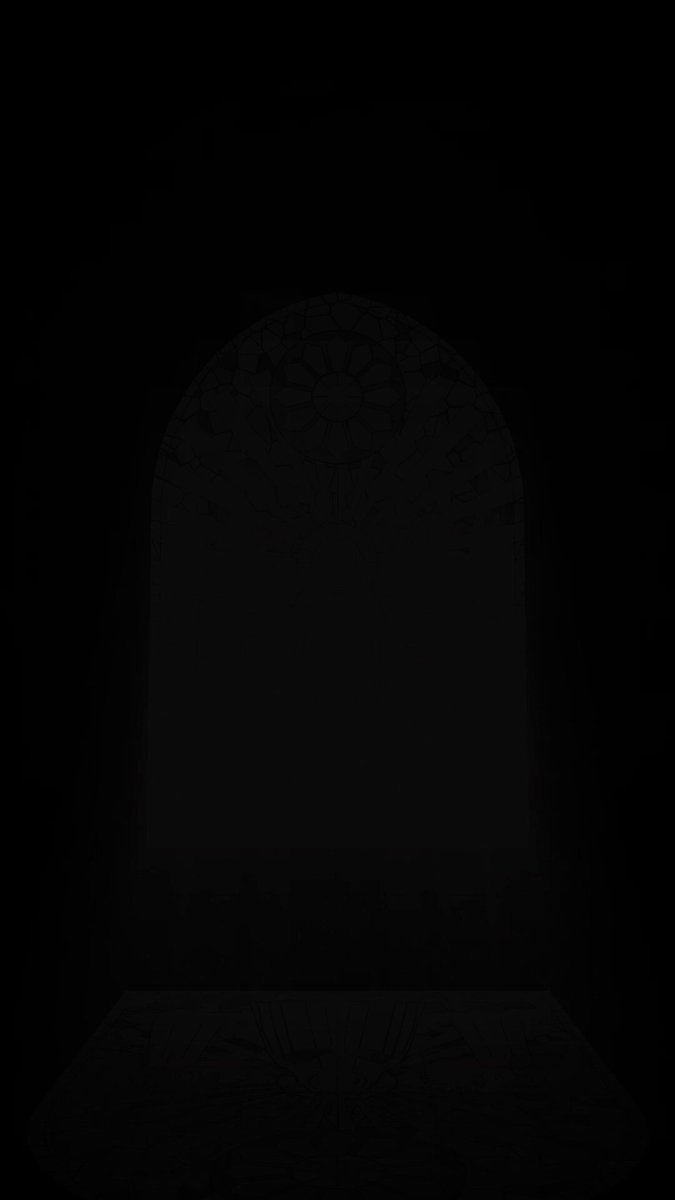
Breathing Room: A Short Film of a Cathedral Filled with Stained-Glass Light
The post is labeled “Opus5.5+three.js” and requests an approximately 36-second vertical short film set in a stone cathedral with no people. Blocks bearing words about efficiency gradually cover the windows, until stained-glass light once again fills the space. It also specifies timed scene direction, consistency between the light and its projections, frame-by-frame MP4 export, and checking and refining the result through actual rendering.
Create an approximately 36-second short film in three.js at 1080×1920 vertical resolution and 30 frames per second.
【Title】
Breathing Room
【Intended experience】
This film should let viewers experience, without showing any people at all, the feeling of losing time while being driven to stay busy and efficient, followed by the feeling of life filling with rich light the moment they gain some breathing room. At the end, aim to make viewers catch their breath as stained-glass light spreads across the entire floor.
【Setting】
・The interior of a dimly lit stone cathedral. A single pointed-arch window, 15 m high and 10 m wide, is set in the wall at the front.
・Strong light enters from outside the window at a 45-degree diagonal angle, casting a window-shaped patch of light onto the stone floor.
・The window contains stained glass depicting the Virgin Mary in the center, two angels with outstretched wings on either side, and a rose window at the top. Use an original, symmetrical design that does not imitate any existing work.
【Timeline】
0–3 seconds: The light entering through the window is still colorless white light. A soft white shape of light appears on the floor.
3–11 seconds: Gray cubes engraved with words such as “Busy,” “Efficiency,” “Urgent,” and “Deadline” fly in one after another from the foreground, filling the window. Their pace accelerates continuously, and the room grows darker as the window is covered.
11–14 seconds: The window is completely blocked, leaving darkness and silence.
14–19 seconds: A single “Busy” block breaks away from the window, falls, turns into particles of light, and disappears. A shaft of vivid-colored light enters through the opening.
19–26 seconds: Starting from the first opening, the blocks break away in a chain reaction. With each new opening, more columns of multicolored light appear, gradually revealing the stained glass that had been hidden.
26–33 seconds: All the blocks disappear. The camera rises through the columns of light and looks straight down at the floor. Across the entire floor, the Virgin Mary and the angels from the stained glass are projected as vividly colored light.
33–36 seconds: The entire frame is enveloped in dazzling light. The final words appear, and the film ends quietly.
【On-screen words (subtle Mincho-style type, appearing and fading away)】
・“Every day, a little faster.”
・“More efficiently.”
・“Before I knew it, the light had stopped coming in.”
・“I’ll let go of just one thing.”
・“Light enters through the space that opens up.”
・“That light was richer than before.”
・End with the large text: “Abundance lives in the space between.”
【Light and texture】
・Each column of light takes on the color of the stained glass in that location, with airborne dust sparkling in the beams.
・The floor projection must accurately reflect which sections of the window are open; areas occupied by blocks appear in shadow.
・The blocks are an impersonal matte gray, with the words engraved in white.
・The first half is cold and desaturated; the second half uses jewel-like red, blue, and gold. Use this color contrast to convey that the space has become richer.
【Technical requirements】
・Generate the stained-glass design as an image, then calculate the floor light, columns of light, and window display from that same design so they all match.
・Advance time precisely in 1/30-second increments, export one frame at a time, and encode the result as an MP4.
【Final pass】
Render and inspect every scene. Before delivering, fix anything necessary to ensure that the stained-glass design reads as the Virgin Mary and angels on the floor, that the words are legible, and that the motion does not feel abrupt.
How to use this prompt
01
Start with the right workspace
Open your preferred coding assistant or 3D tool. Use the model shown on the example as a starting point, and check any linked project for setup instructions.
02
Choose one thing to change
Swap the subject, art style or setting. Keep the camera and interaction clear. Build a small version first, then refine one detail at a time.
03
Give the scene its own assets
For a custom character or prop, create a 3D model from a short object description or reference image, then bring it into your project.
Previews belong to their respective creators. Check the original source and project license before reusing code or assets.