3DPrompt.
GitHub
Back to the library
Claude Opus 5Reference brief

Claude Opus 5 development workflow for a 3D MMO

Thai post describing how Claude Opus 5 was used on a 3D browser MMO and how the project was structured with docs, tests, and constraints.
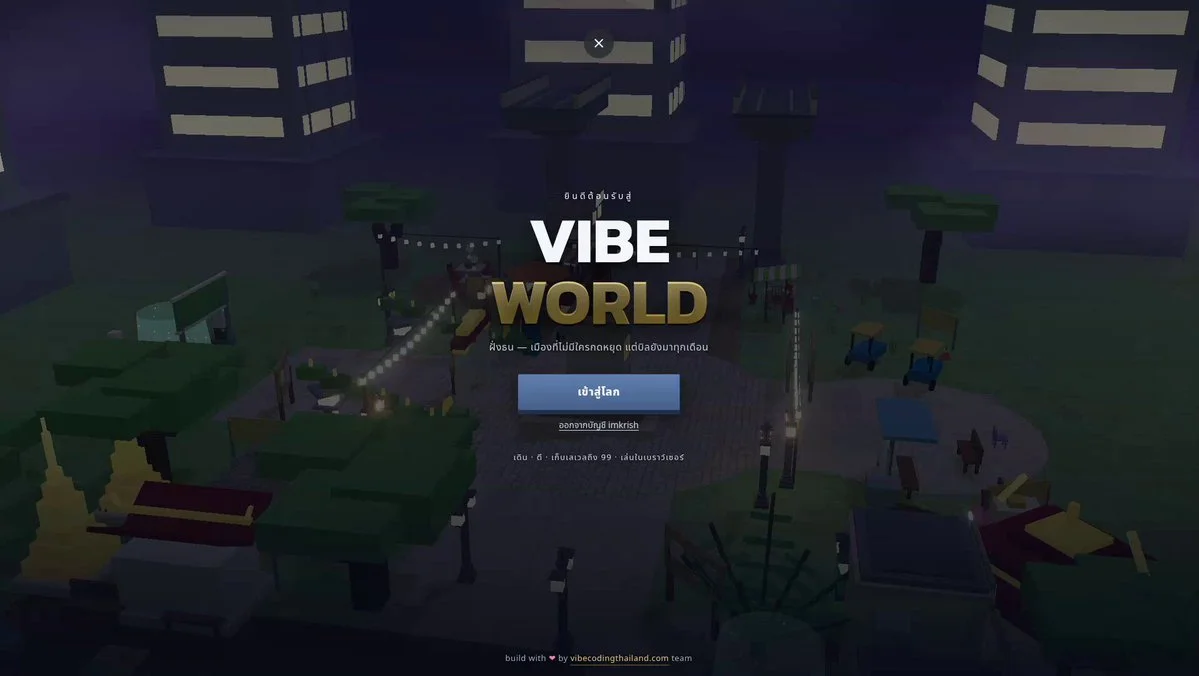
Created by Vibe Coding ThailandView original source
Claude Opus 5 development workflow for a 3D MMO

About this example

A starting brief based on the creator's public project, not a verbatim original prompt. Your result will vary.

Claude Opus 53D MMObrowser gameTypeScriptworkflowtestsprompting

The prompt

Almost all of the code was written with Claude Opus 5. But what let the project keep moving through thousands of iteration loops was not a clever prompt. It was organizing the project so the AI could find what it needed without reading the entire codebase. 1. Keep instructions next to the code, not in one central pile Every folder has its own guide with common workflows and previously discovered pitfalls. The guide loads automatically when a session starts in that folder. Work on monsters does not need to pay the context cost of the map guide. The context required before each task dropped from roughly 76,000 tokens to about 10,000. 2. Enforce rules with tools, not discipline I had it write scripts that fail the build when they detect circular imports or color values written directly at the point of use instead of being defined centrally. Do not hope the AI remembers every rule; making the commit fail is much more reliable. 3. Let TypeScript be the reminder Add a skill without its effect and the project will not compile. Add a monster without creating its model and the project will not compile. It cannot be forgotten because the type system does not allow it. 4. Make content data-driven Adding a monster, skill or item should mean adding one row instead of modifying the whole system. AI handles “add one row” much more accurately than “update five places that must stay consistent.” 5. Effective prompts define evaluation criteria, not procedures Examples: “regular monsters must die within 2 to 5 seconds,” “at least 97% of every map must be reachable,” and “no game item may have a drop rate below 3%.” Then encode those criteria as tests. Once the AI knows what good means, it can find the route and determine whether it has succeeded. In short: invest in structure and tests first, then invest in the prompt.

How to use this prompt

01

Start with the right workspace

Open your preferred coding assistant or 3D tool. Use the model shown on the example as a starting point, and check any linked project for setup instructions.

02

Choose one thing to change

Swap the subject, art style or setting. Keep the camera and interaction clear. Build a small version first, then refine one detail at a time.

03

Give the scene its own assets

For a custom character or prop, create a 3D model from a short object description or reference image, then bring it into your project.

Previews belong to their respective creators. Check the original source and project license before reusing code or assets.