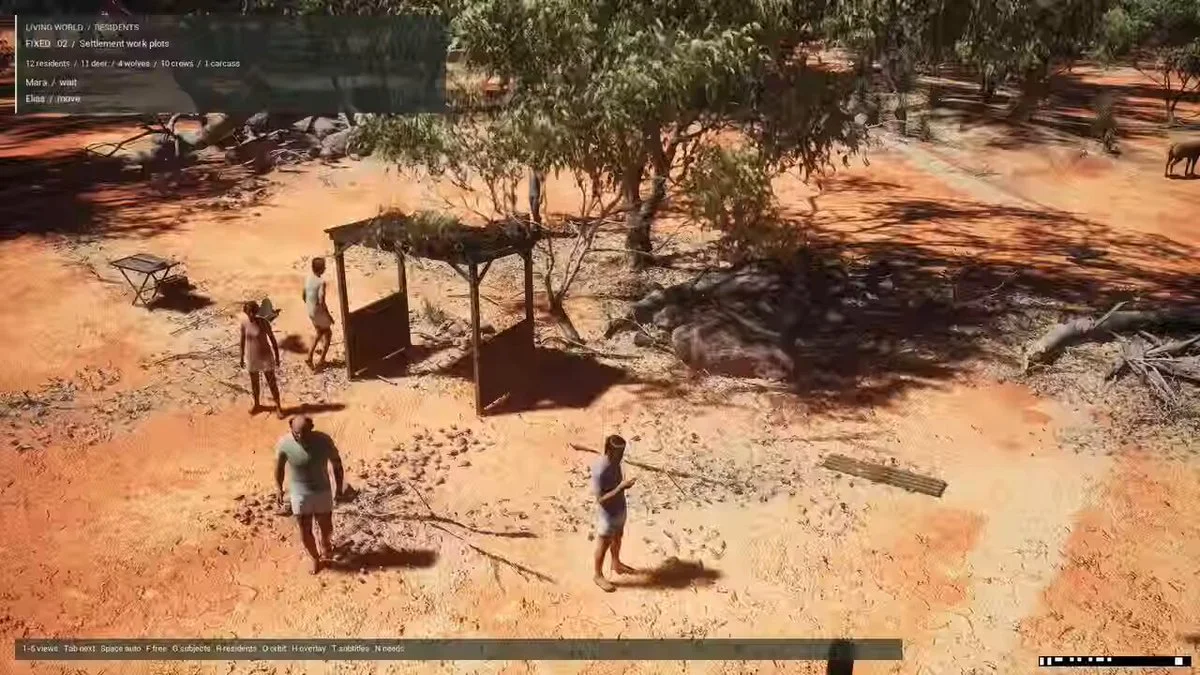
3DPrompt.
GitHub
Back to the library
Claude Opus 5Reference brief

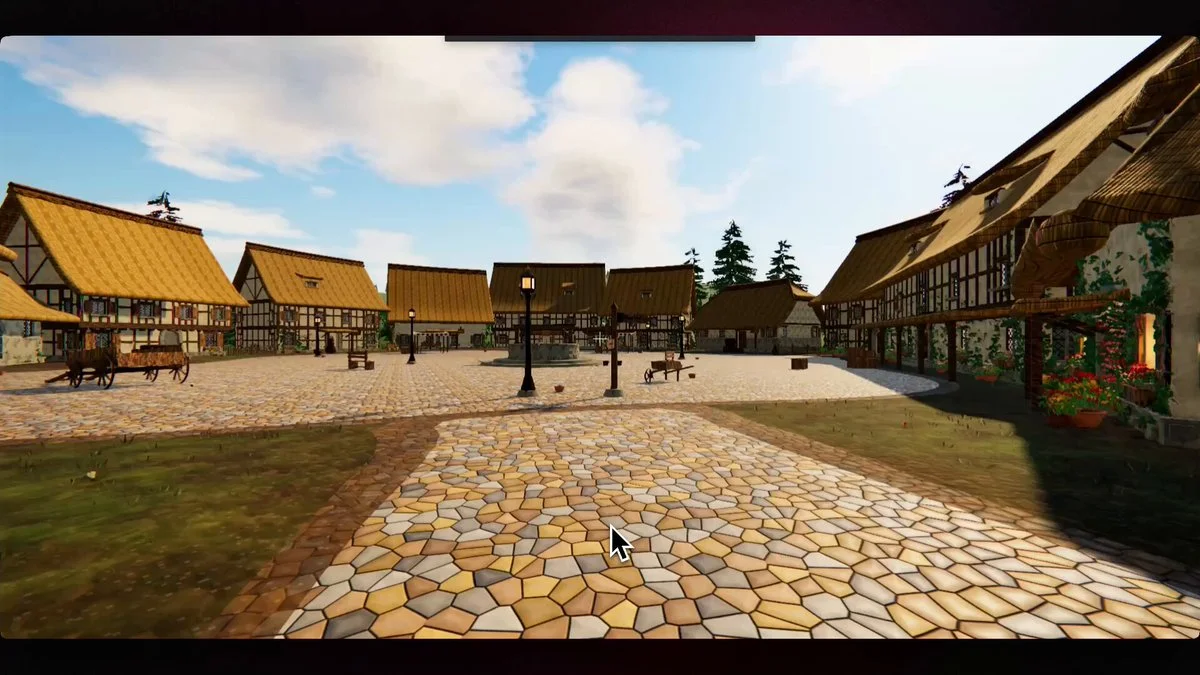
Prompt for building an explorable Three.js world from a reference image with Opus 5

Reusable prompt for a Claude Opus 5 workflow that generates an explorable Three.js 3D world from a reference image, with first-person controls, collision, physics, AAA rendering, and iterative review loops.
Created by PromptView original source
Prompt for building an explorable Three.js world from a reference image with Opus 5

About this example

A starting brief based on the creator's public project, not a verbatim original prompt. Your result will vary.

Claude Opus 5Three.js3D worldreference imagefirst-person controlscollision detectionphysicsPBR

The prompt

Build an explorable 3D world in Three.js based on the attached image. Requirements First-person controls (WASD + mouse look), collision detection, no clipping through geometry AAA visuals: PBR materials, HDRI-based lighting, real shadows, post-processing (tone mapping, bloom, AA) Physics on anything that moves or can be interacted with 60fps on a mid-range GPU Process Split the work into independent streams: terrain, props/geometry, materials/textures, lighting, physics, controls/camera, performance. Assign one sub-agent per stream. Each sub-agent owns its stream end to end and reports what it built plus what is still weak. Integrate, then run a review pass: walk the world, list every visible defect, fix them. Repeat that loop until a full pass produces zero defects, or until 5 loops. Report anything unresolved either way. Deliver a single runnable project plus launch instructions.

How to use this prompt

01

Start with the right workspace

Open your preferred coding assistant or 3D tool. Use the model shown on the example as a starting point, and check any linked project for setup instructions.

02

Choose one thing to change

Swap the subject, art style or setting. Keep the camera and interaction clear. Build a small version first, then refine one detail at a time.

03

Give the scene its own assets

For a custom character or prop, create a 3D model from a short object description or reference image, then bring it into your project.

Previews belong to their respective creators. Check the original source and project license before reusing code or assets.