3DPrompt.
GitHub
Back to the library
Claude Opus 5Reference brief

Prompt for upgrading a zombie game to AAA-style 3D visuals in Claude Opus 5

Reusable spoken prompt for Claude Opus 5 High mode to fork a zombie project and overhaul its 3D environment, models, movement, lighting, and presentation to AAA-like quality.
Created by RishiView original source
Prompt for upgrading a zombie game to AAA-style 3D visuals in Claude Opus 5

About this example

A starting brief based on the creator's public project, not a verbatim original prompt. Your result will vary.

Claude Opus 5AAA visualszombie game3D gamevisual overhaulThree.jsgame graphics

The prompt

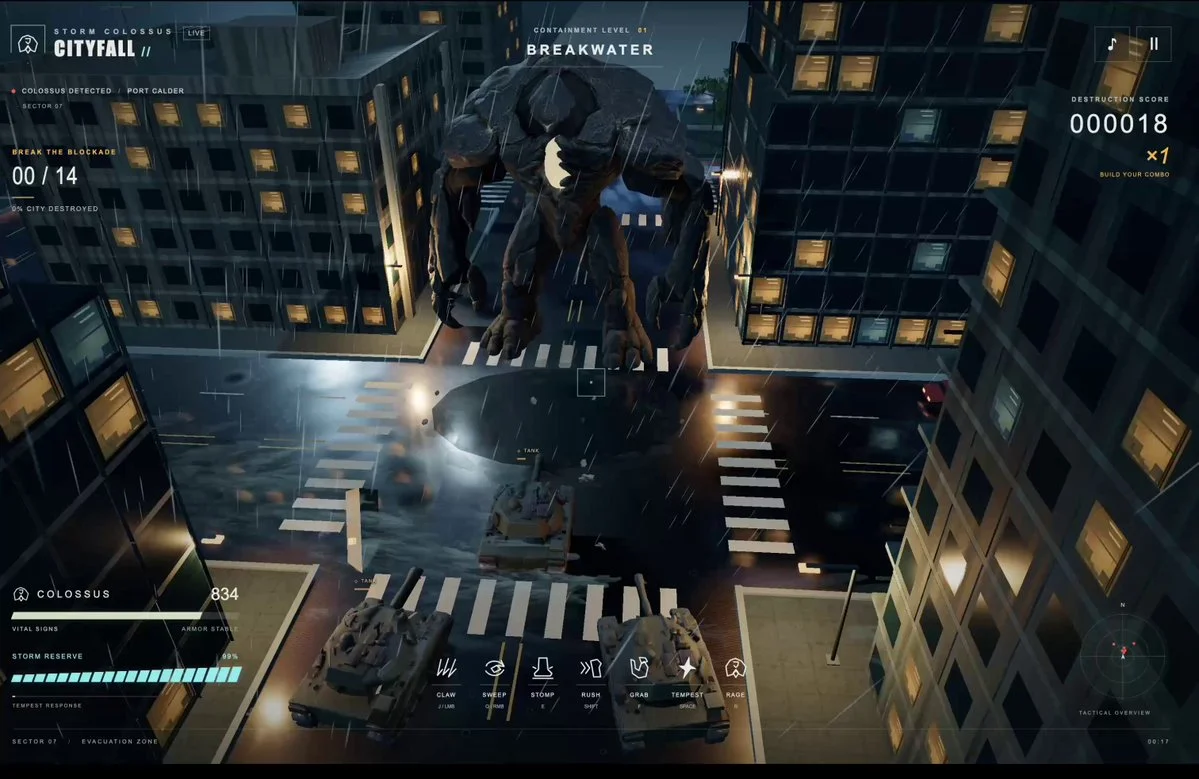
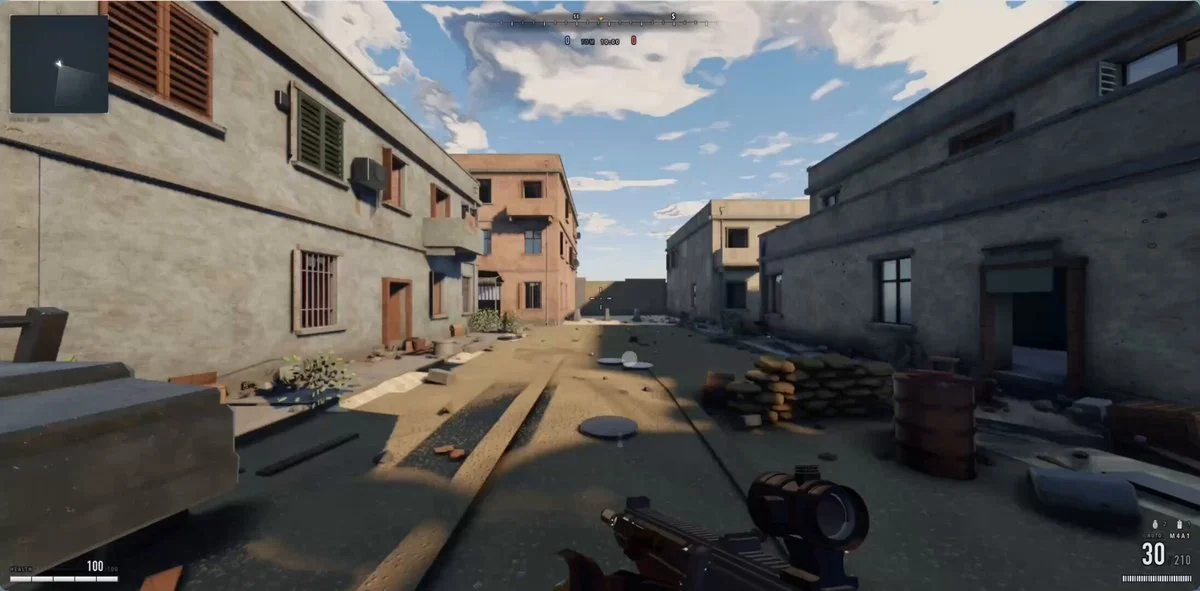
Here’s the prompt I gave to Claude Code, running Opus 5 on High mode. This was spoken/transcribed with @WisprFlow hence the conversational format. PROMPT: I want you to fork this zombie project directory, and I want us to make the environment, the map, and the gameplay look AAA, just like this tweet (screenshots attached for visual reference): https://t.co/b5CzKRTbVt Right now, the game you'll see is very blocky and not realistic... I want it to look like Battlefield 6 or the latest Call of Duty, with motion blur, amazing shadows, lighting, microanimations, and all the other bells/whistles that differentiate a vibe-coded game from a studio-level game. I want the map and gameplay and logic to effectively stay the same, but the visuals and movement need a huge update. Let's not edit this directory directly. I just want you to fork it and then redo everything graphics-wise: * visual theme * movement * all the models * etc If you need new sound effects, you can do it with ElevenLabs, and you can even do new music with ElevenLabs or text-to-speech, anything. You can also use the ElevenLabs library of sound effects we already have as well. Whatever's best. For the 3D modeling of the zombies, the gun, that map, the lighting, everything, the motion blur, the movement systems, how smooth it is, how your camera shakes when you run, all that stuff: that's gotta get to that level of quality of latest Battlefield/COD. Work until you are done. Test using browser if you need. And just have many recursive loops until its fully up to AAA standards. (note: attached screenshots of Matt's video for visual reference)

How to use this prompt

01

Start with the right workspace

Open your preferred coding assistant or 3D tool. Use the model shown on the example as a starting point, and check any linked project for setup instructions.

02

Choose one thing to change

Swap the subject, art style or setting. Keep the camera and interaction clear. Build a small version first, then refine one detail at a time.

03

Give the scene its own assets

For a custom character or prop, create a 3D model from a short object description or reference image, then bring it into your project.

Previews belong to their respective creators. Check the original source and project license before reusing code or assets.