Collections
3D scenes · The prompt · Page 6
Find free 3D prompts for AI games, Blender scenes and Three.js experiences. Preview real creations, adapt the prompt, and build your next idea.
Explore
Find your next creation.
Real projects, source links, and a starting point for your imagination.
195 results
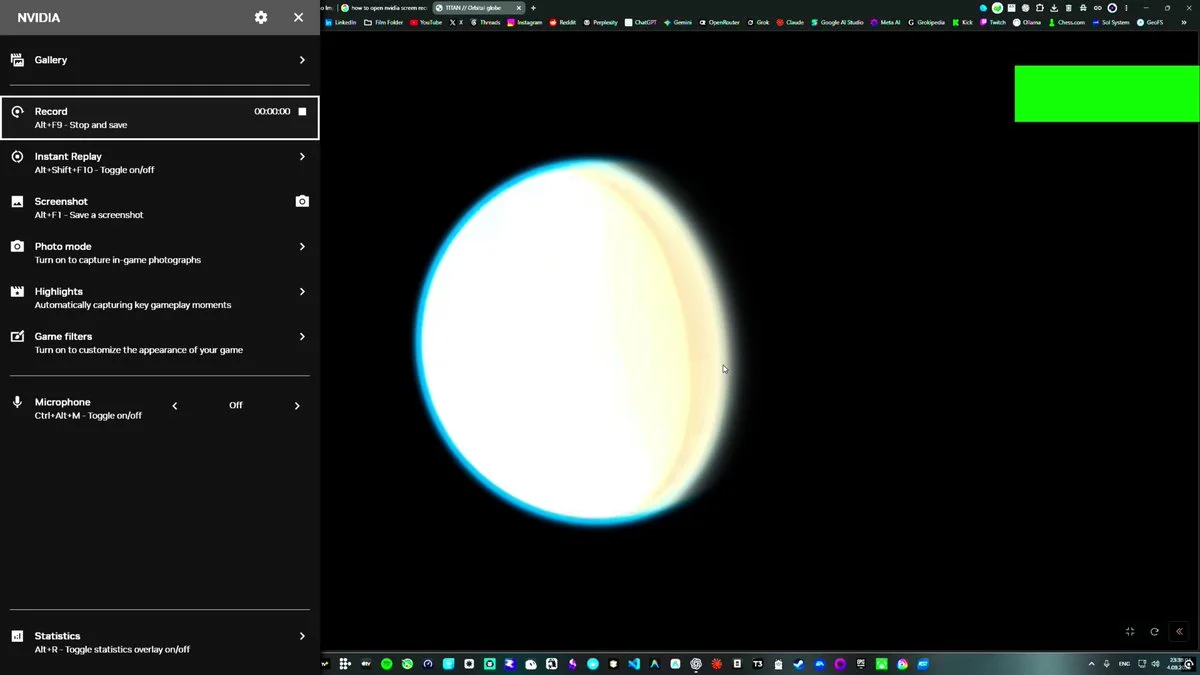
Interactive Titan science exhibit
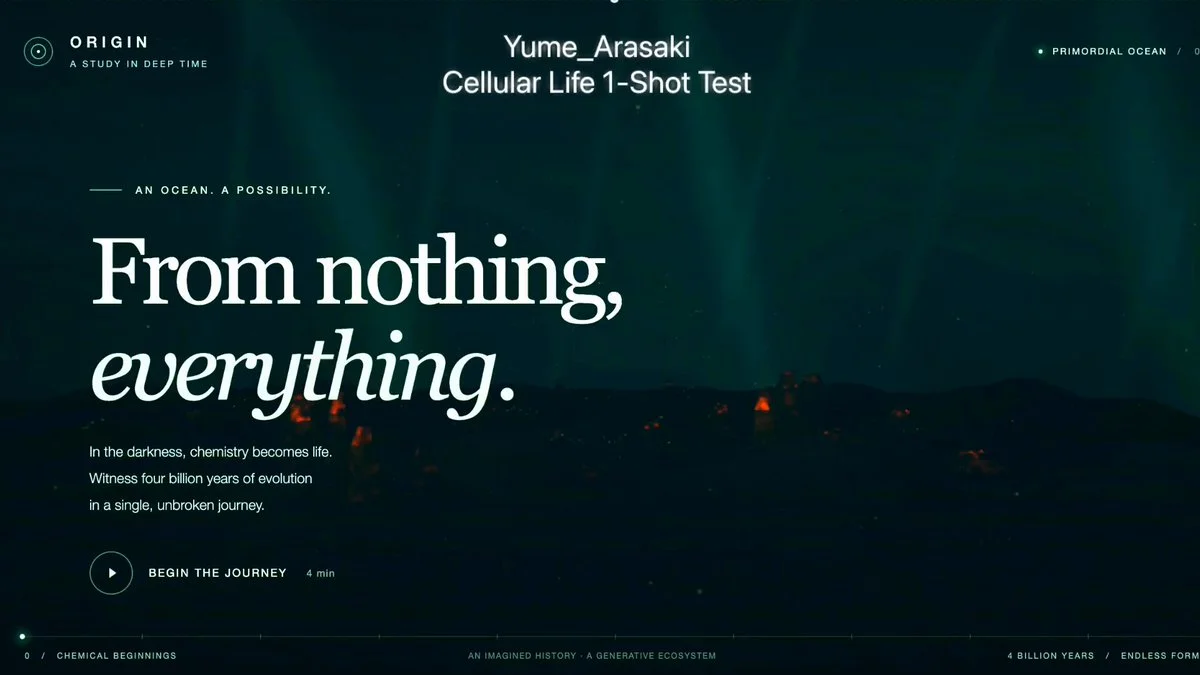
Evolving WebGL ecosystem
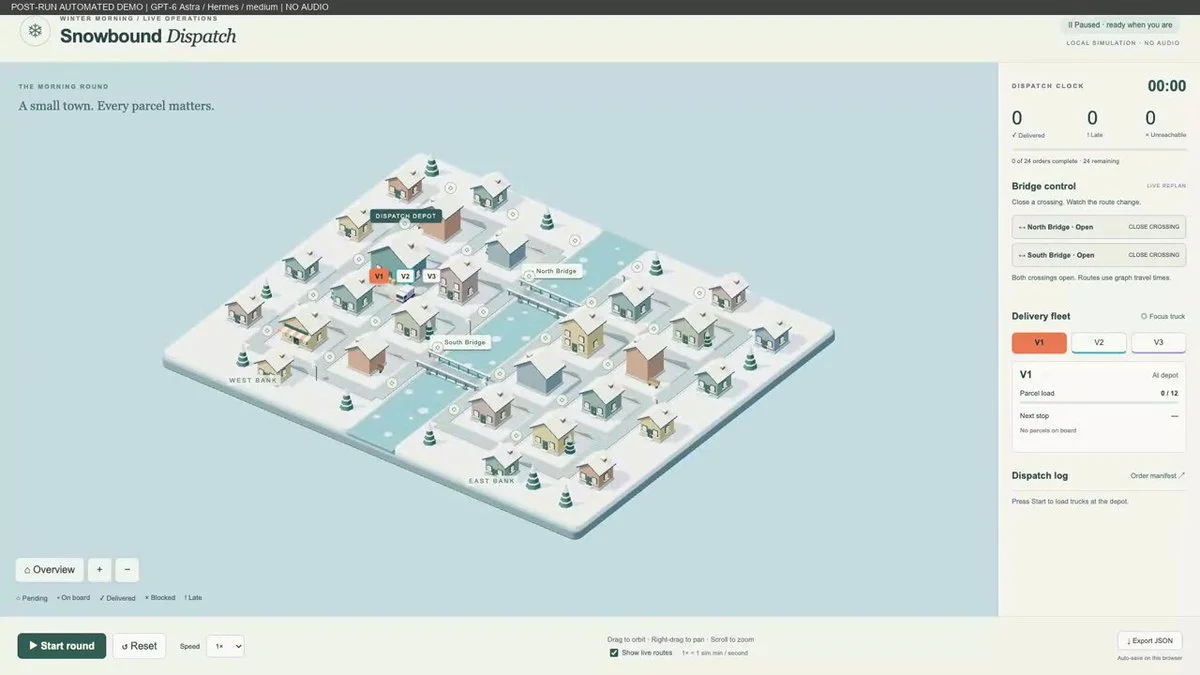
Delivery network with bridge closures
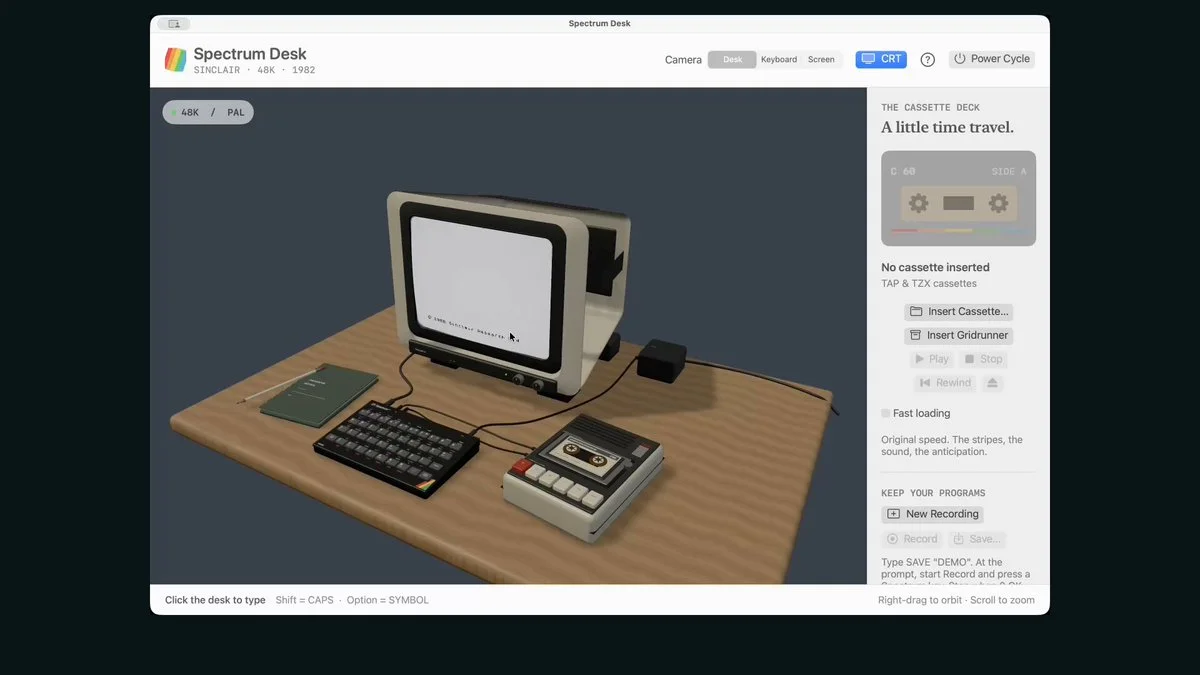
Sinclair ZX Spectrum simulator
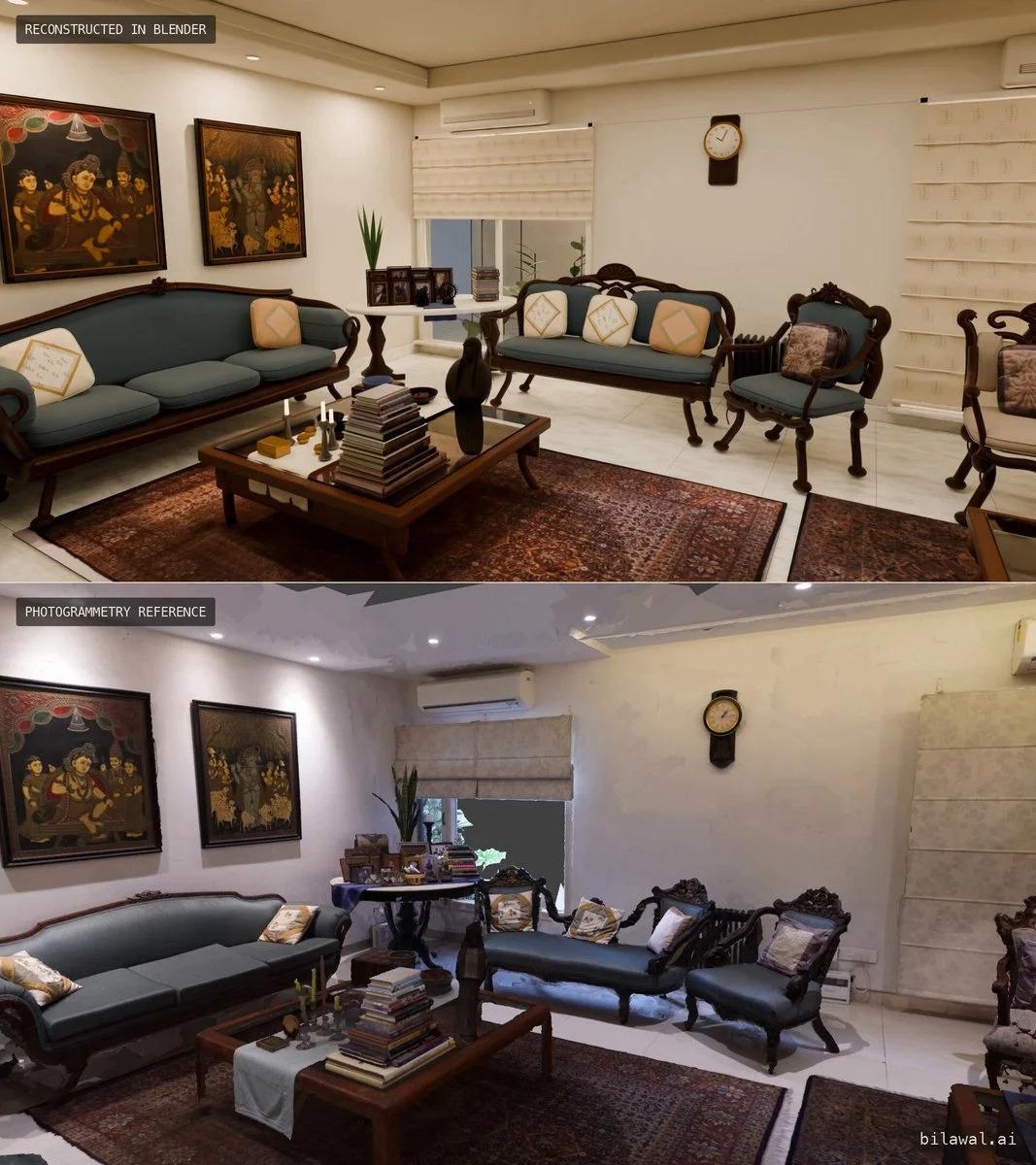
Photogrammetry scan to editable living room
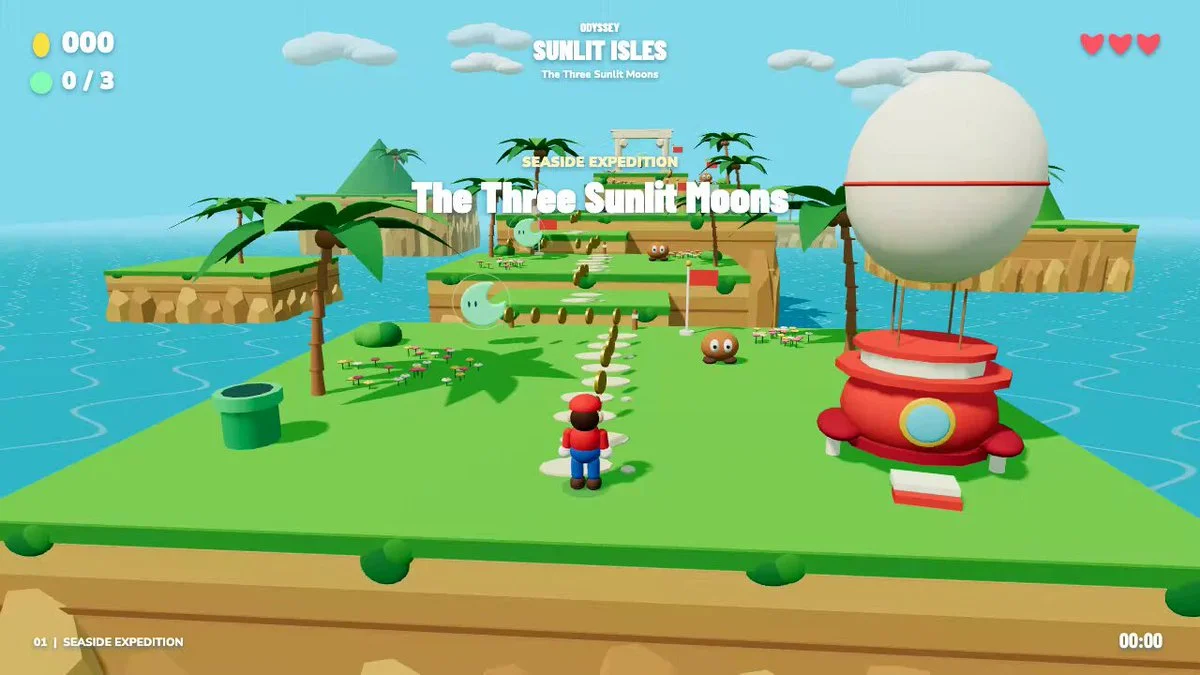
Odyssey-inspired platform adventure
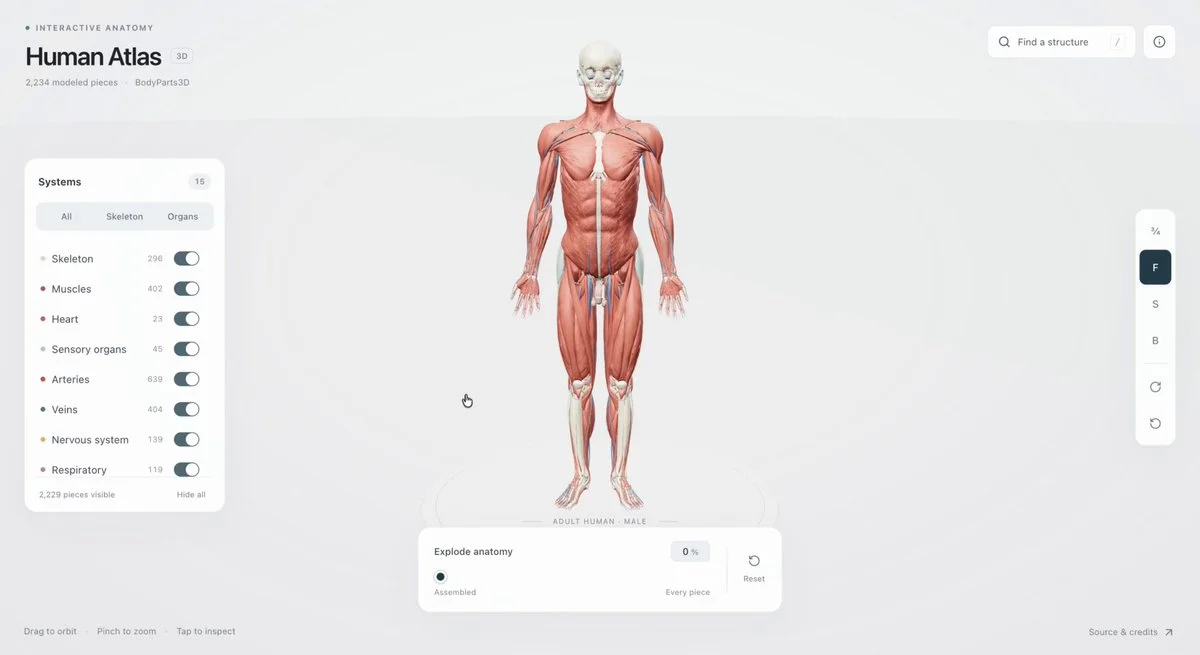
Exploded interactive human anatomy
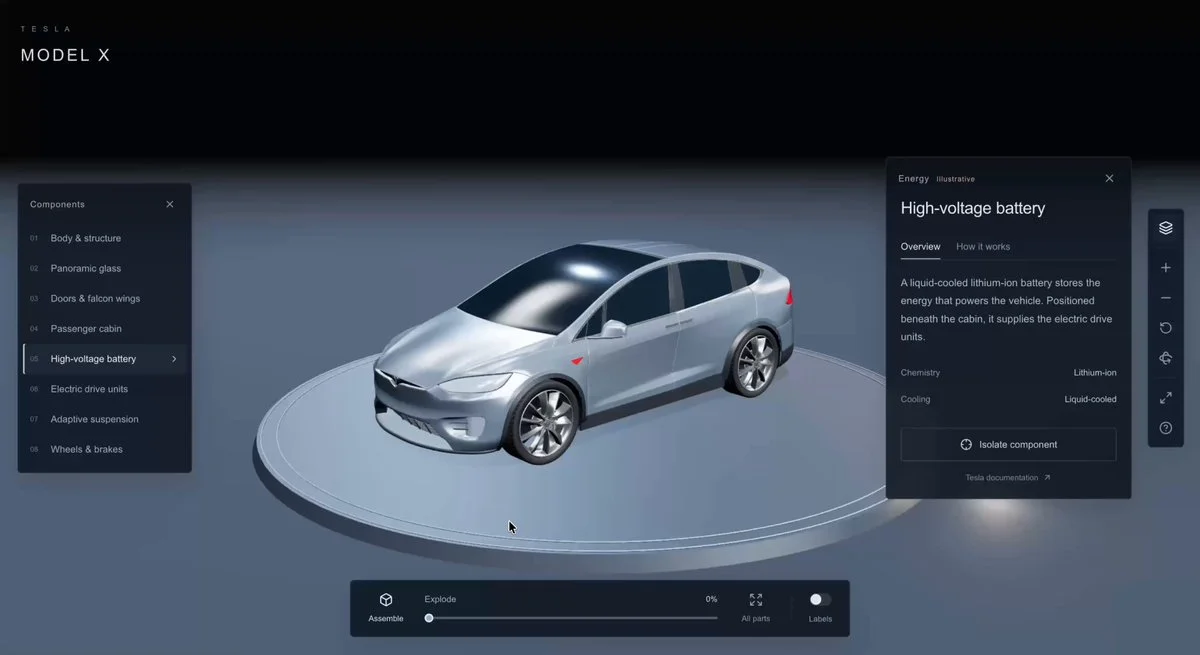
Tesla Model X exploded view
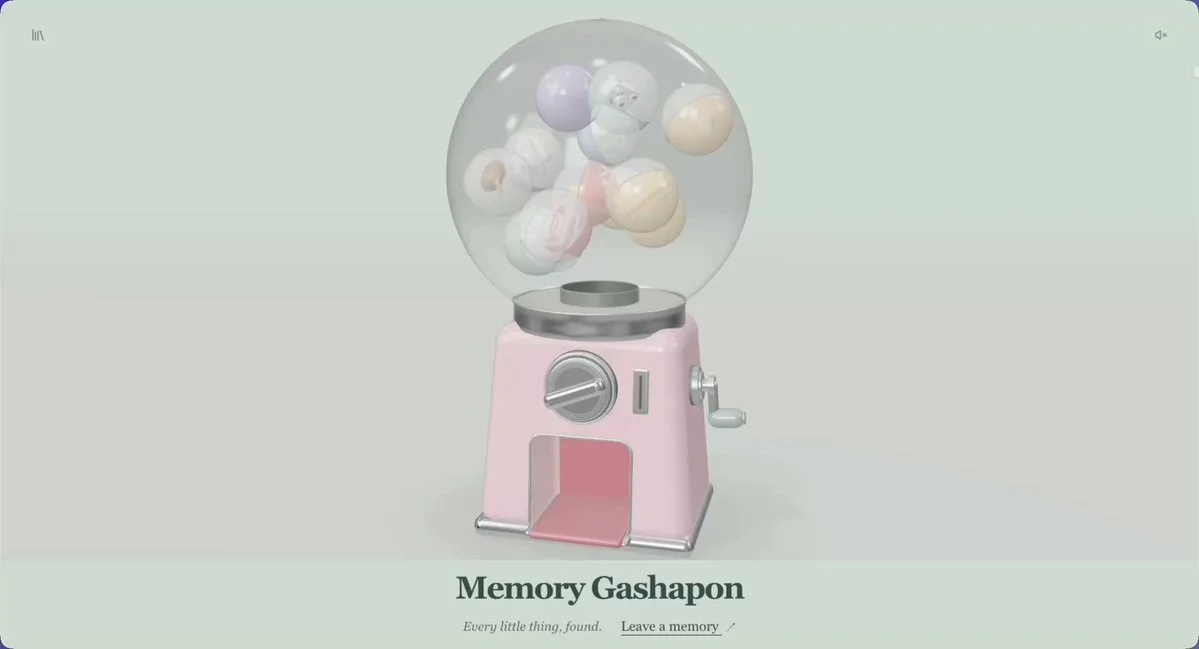
Memory capsule machine
Formula One car in Blender
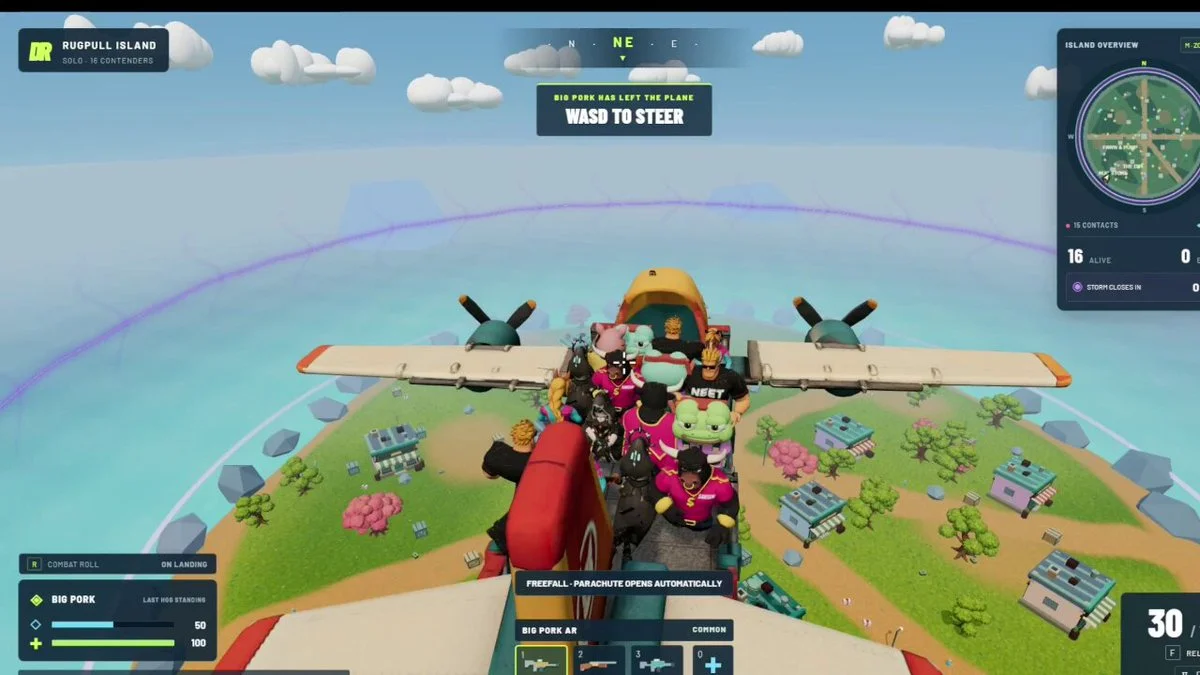
Three.js battle arena with Tripo assets
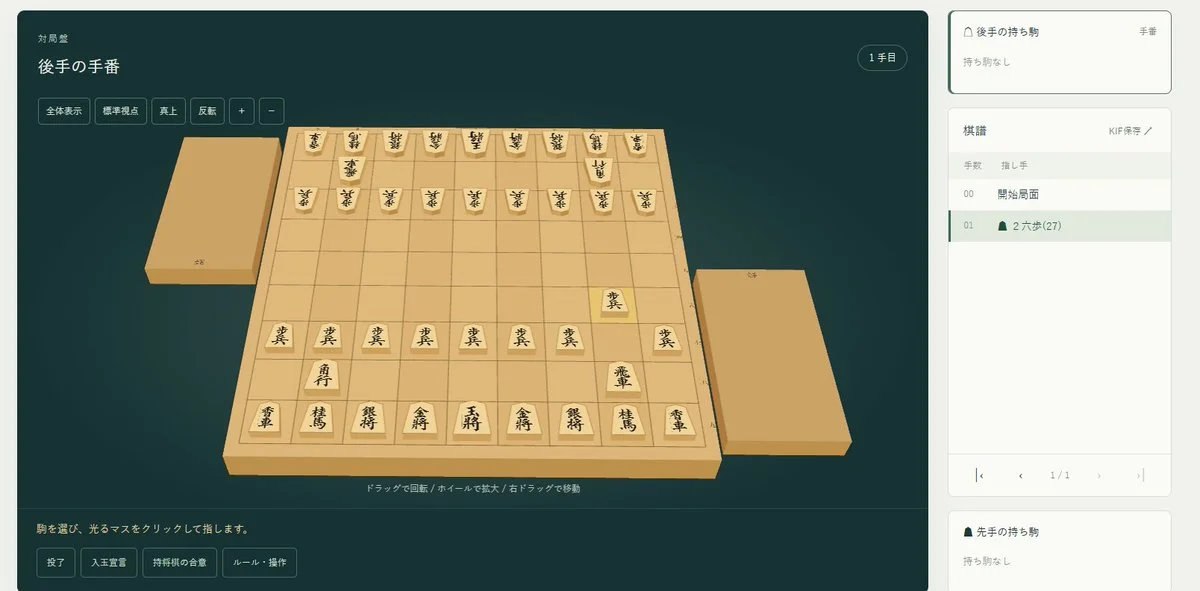
Rotatable 3D shogi board
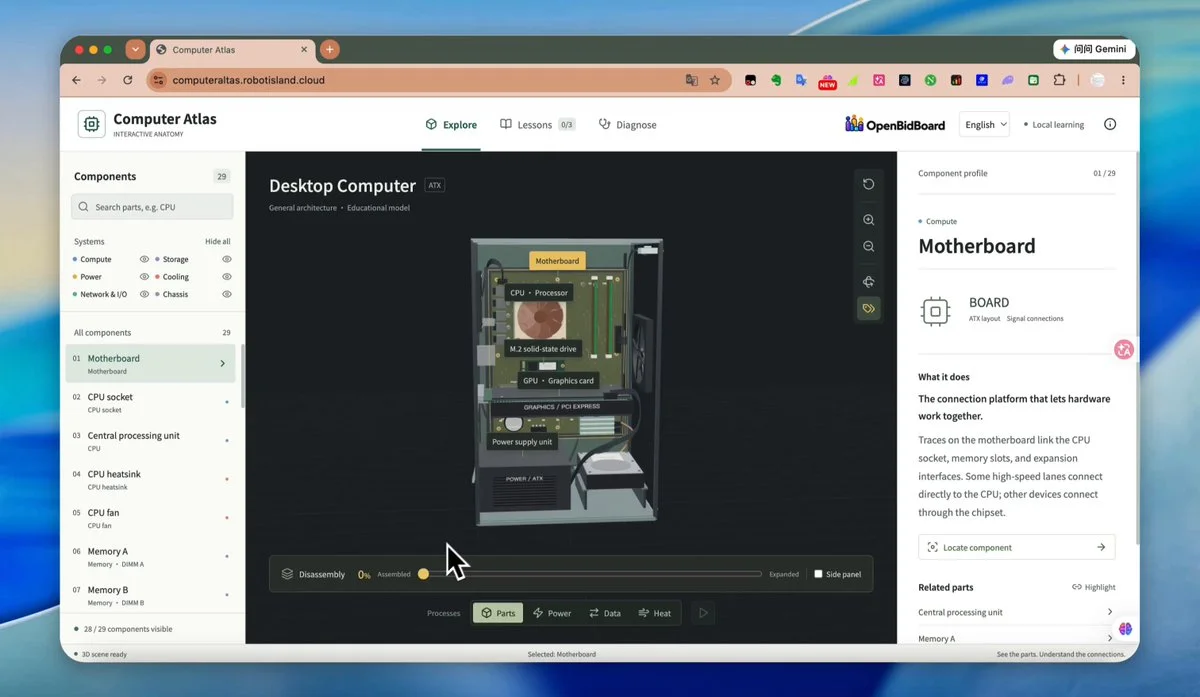
Exploded desktop-computer atlas
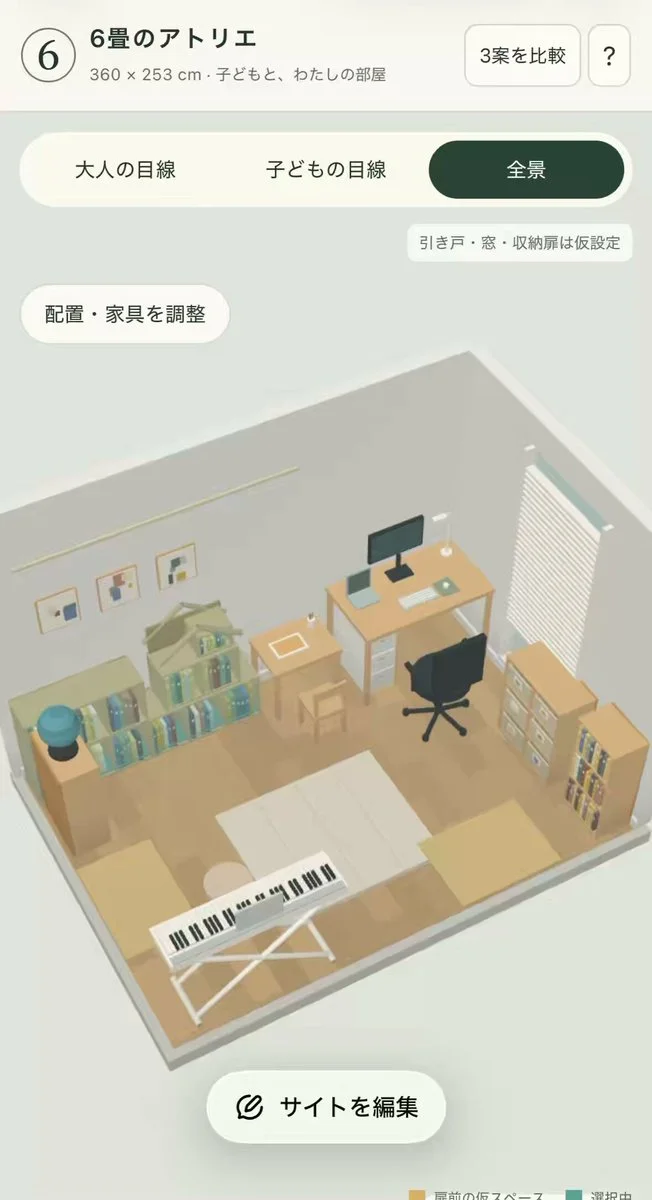
Children's room and workspace planner
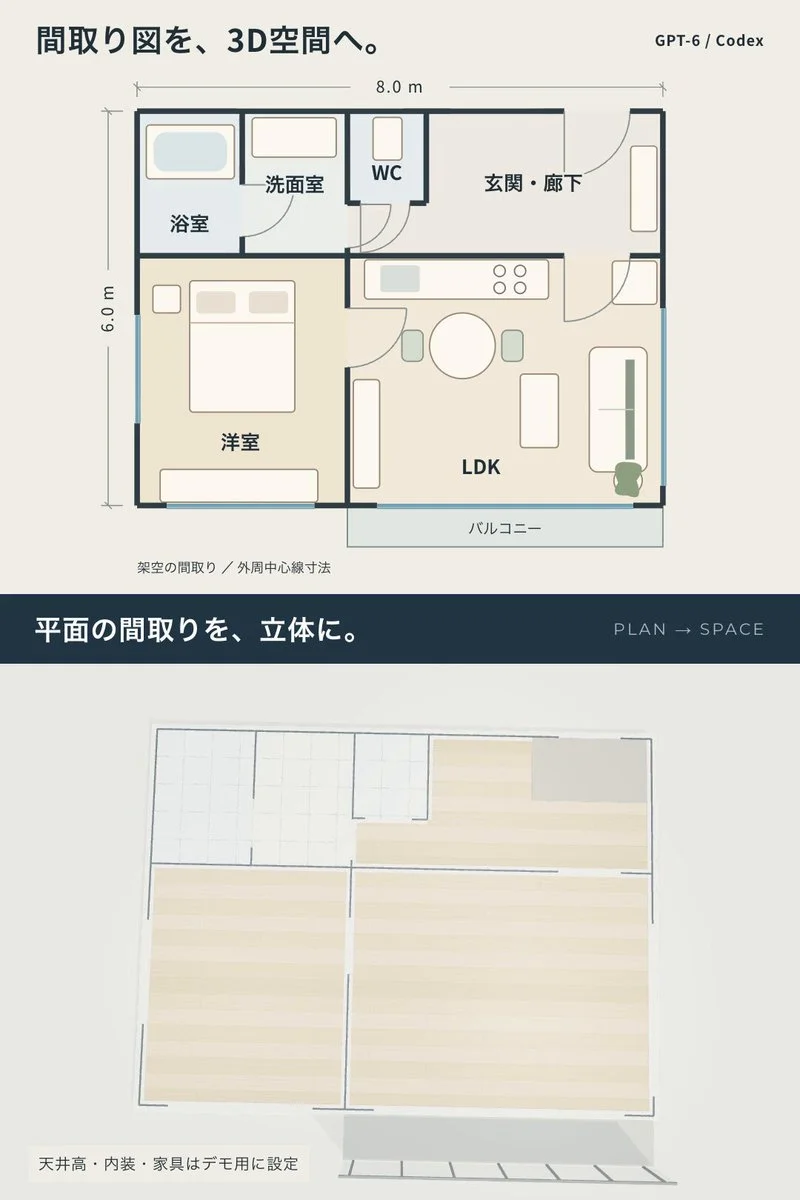
Linked floor plan and 3D walkthrough
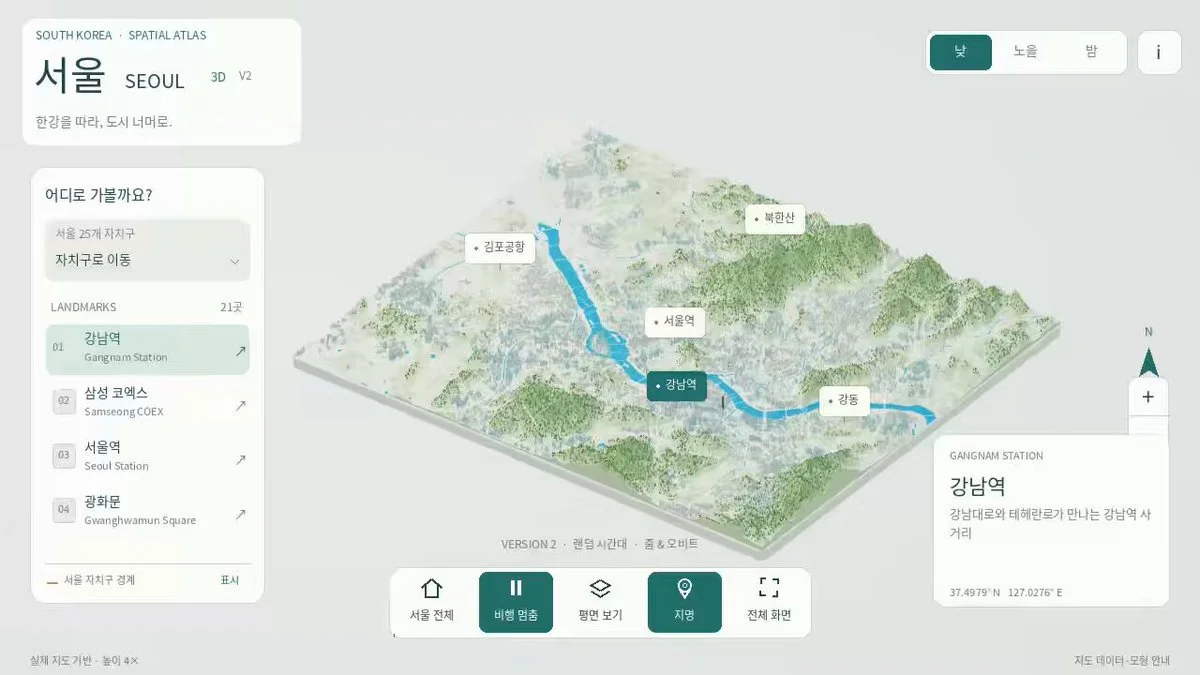
Interactive miniature of Seoul
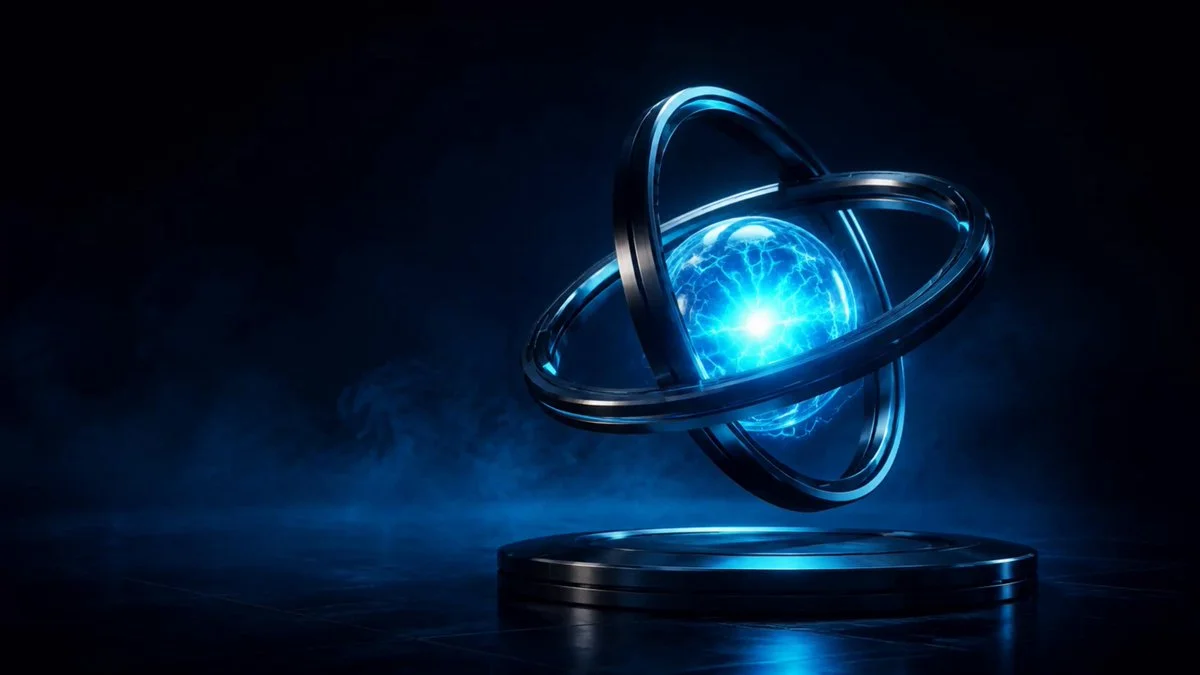
Interactive dual-ring energy core
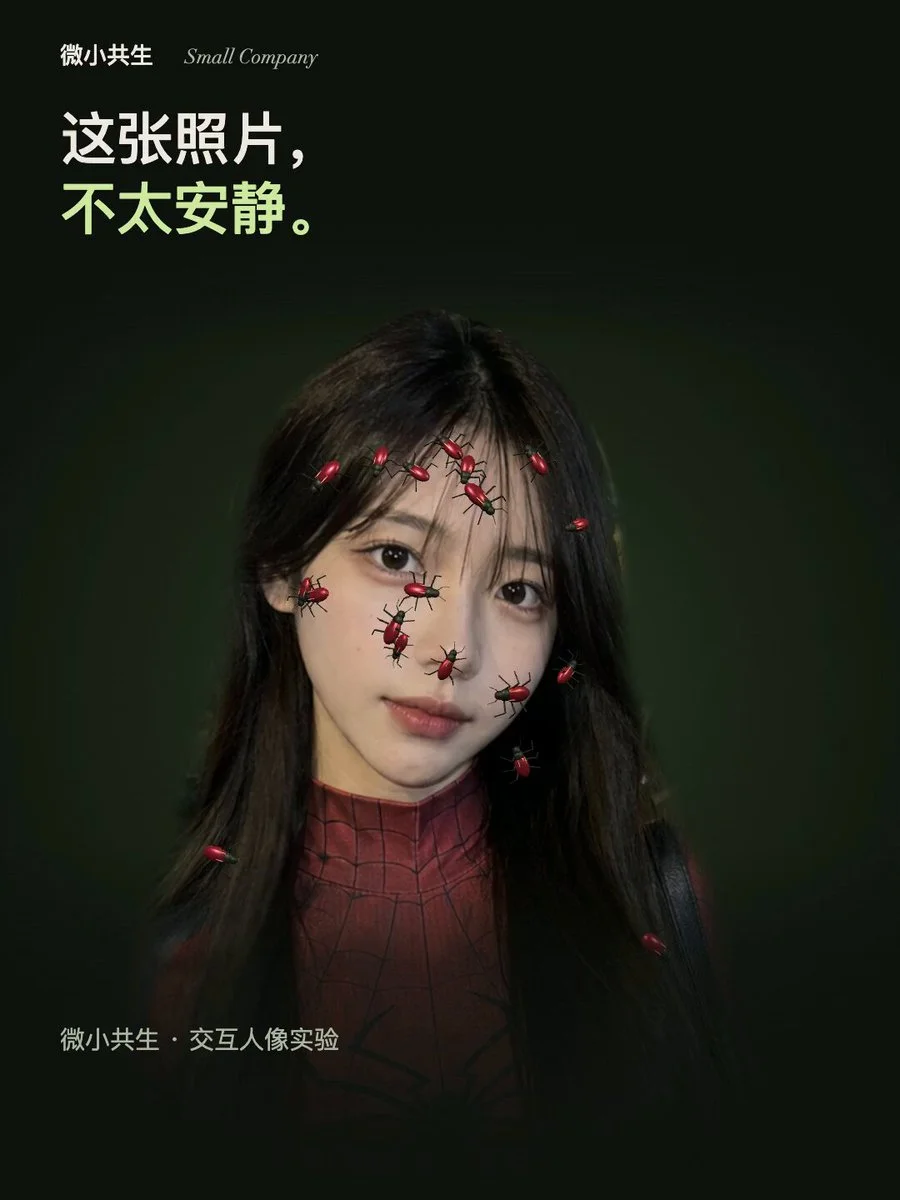
Surface-climbing procedural insect
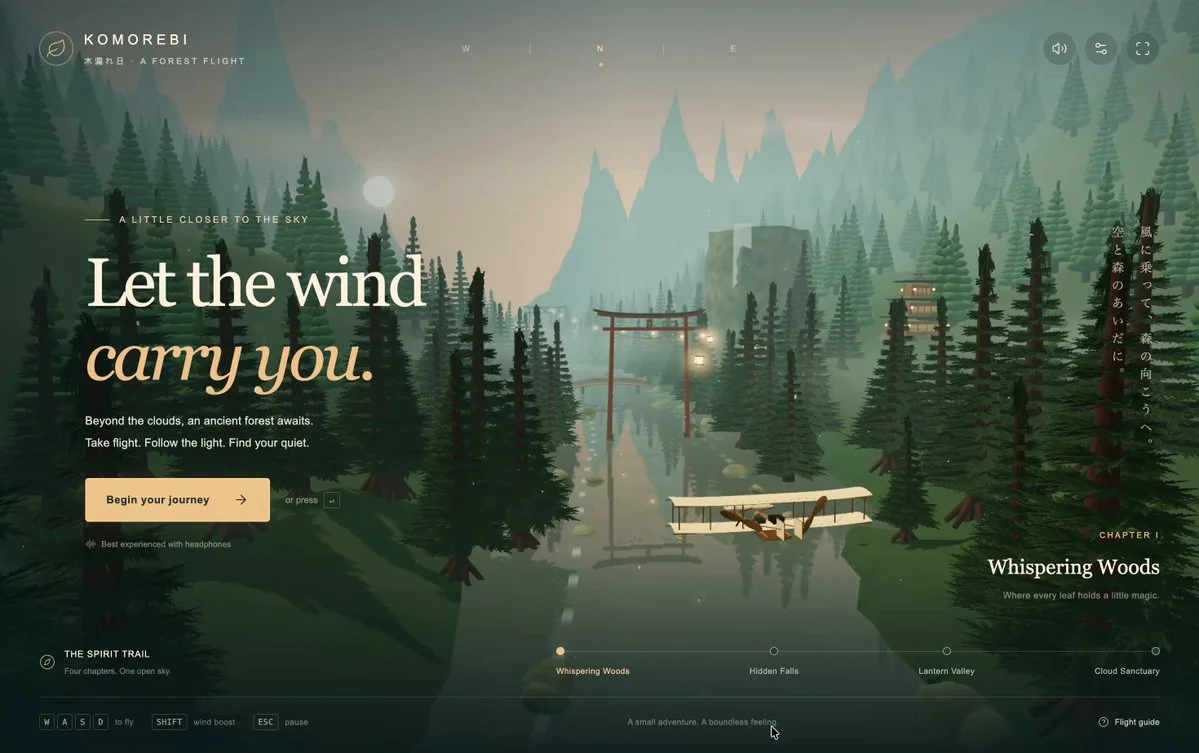
Wright Flyer through a Japanese forest
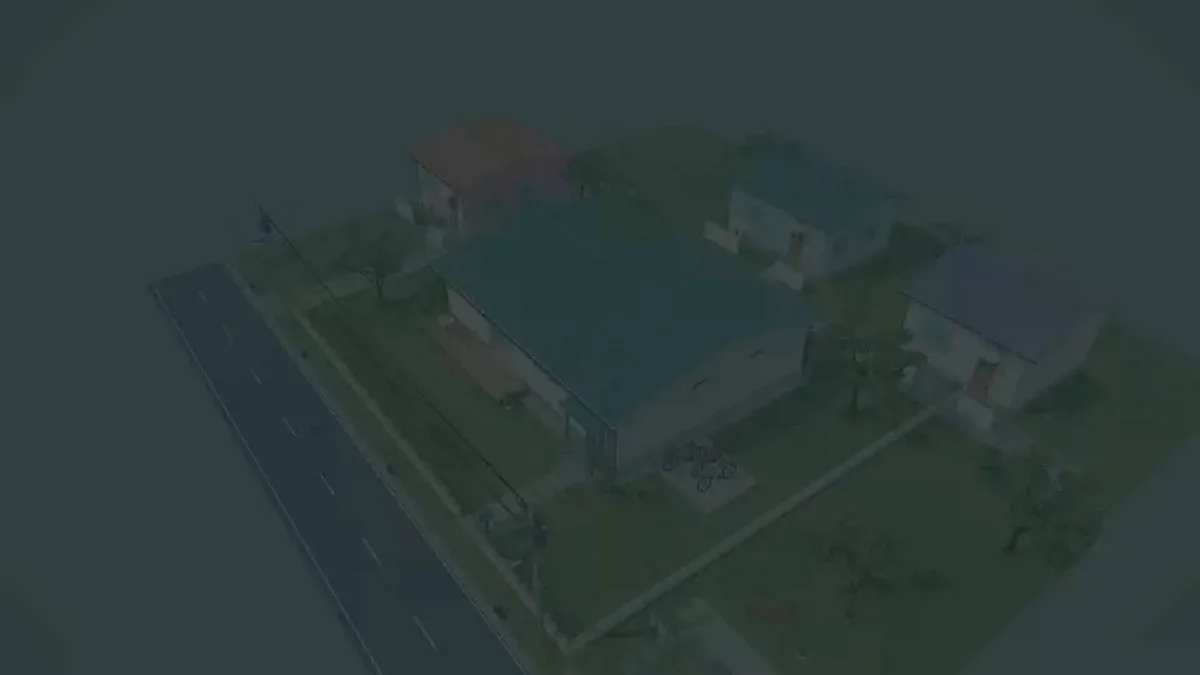
A house modeled from scratch in Blender
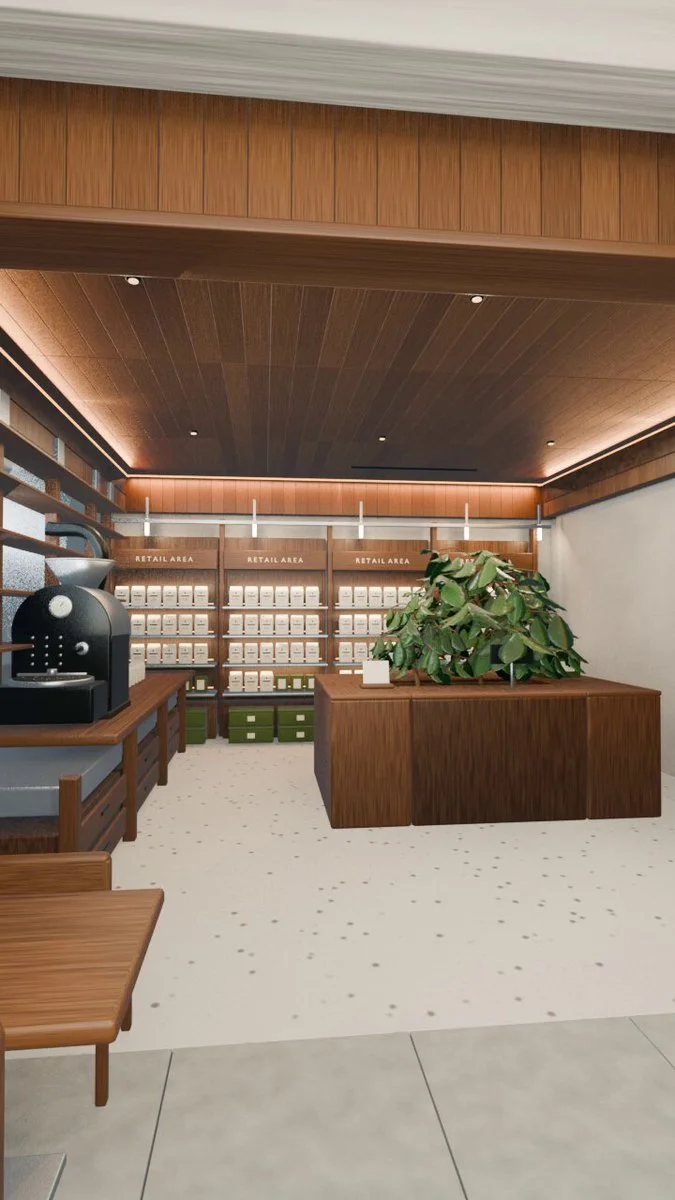
Coffee-shop photo to vertical walkthrough
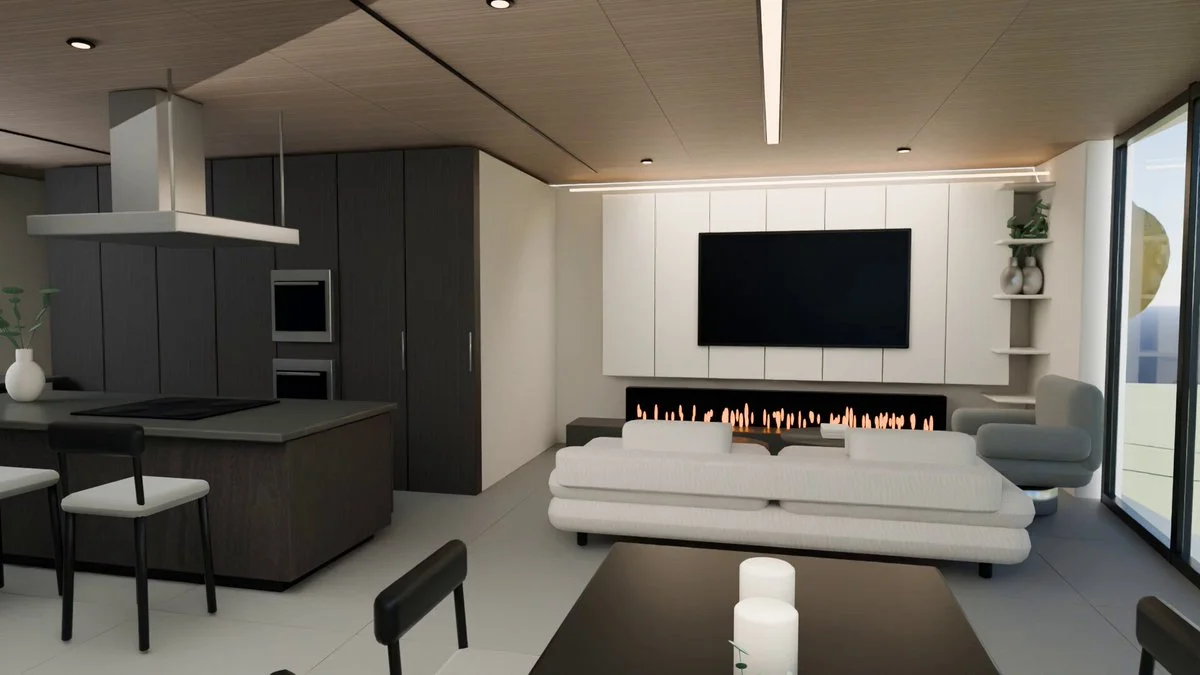
Top-floor plan to Blender preview
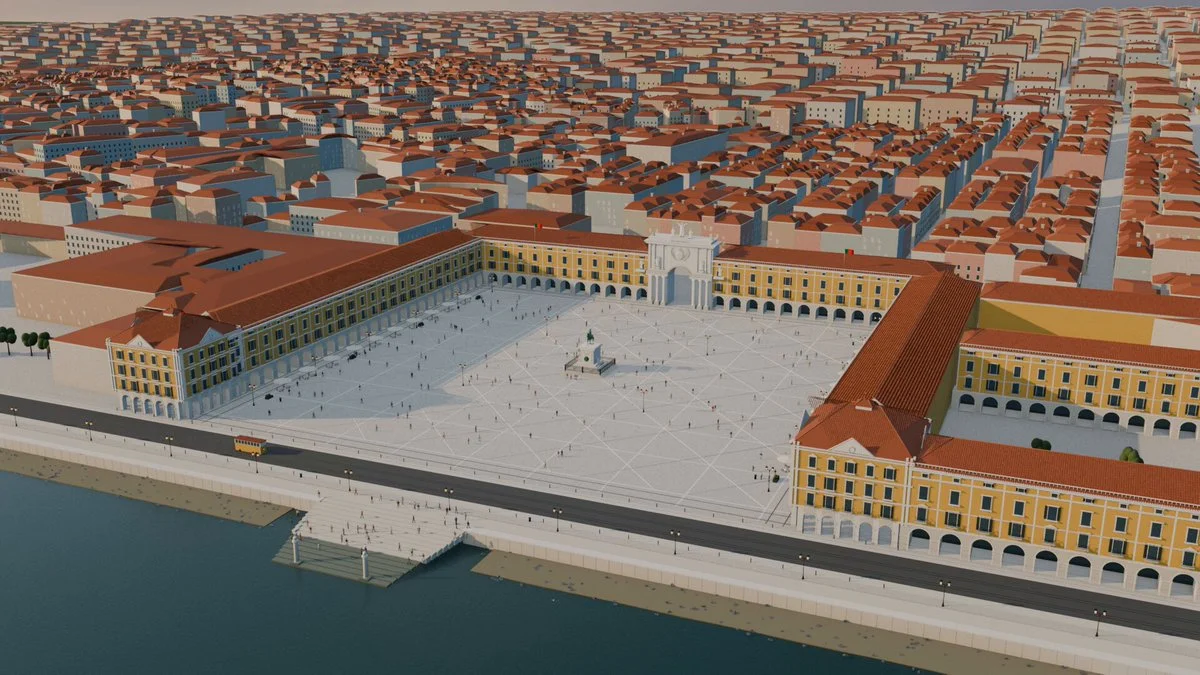
Lisbon's Terreiro do Paço in Blender
Open-source inspiration
Explore projects with source repositories, then discover the full Astra prompt collection on GitHub.
Prompt guide
Better 3D prompts start with a clear picture.
Describe what someone should see and do. A focused first version is easier to improve than a long list of features.
01 / SUBJECT
Choose a clear focal point.
Name the place, character or object. Say what makes it distinctive: a moss-covered observatory, a small robot gardener, a ceramic teapot.
02 / LOOK & FEEL
Set the visual direction.
Describe materials, palette and lighting. Use specific cues such as warm afternoon light, matte clay surfaces or a limited pastel palette.
03 / EXPERIENCE
Describe the camera and controls.
Should the viewer orbit a scene, walk through it or play a game? Define one camera view and the main interaction before adding more.
FAQ
A little direction, before you begin.
What is a 3D prompt?+
A 3D prompt describes an object, scene or interactive experience you want to create. Depending on the tool, the result can be a 3D model, Blender scene or browser project. Each example includes context and source links so you can choose the right workflow.
Are these the creators' exact prompts?+
Some are verified original prompts; others are reference briefs reconstructed from public project descriptions. Each detail page labels the evidence. A preview shows the creator's work and does not guarantee an identical result.
Can I use these examples for commercial projects?+
You can browse and adapt the briefs, but linked code, models and media may have separate licenses. Check each creator's source and repository before reusing assets commercially.
How do I turn an idea into a 3D model?+
For a single character or prop, describe the object or upload a reference image in a 3D creation tool. For a complete game or website, use the prompt in a coding workflow, then import the models you need into the scene.