Collections
3D Prompts & Creative Examples for Games, Blender & Three.js · Page 5
Find free 3D prompts for AI games, Blender scenes and Three.js experiences. Preview real creations, adapt the prompt, and build your next idea.
Explore
Find your next creation.
Real projects, source links, and a starting point for your imagination.
285 results
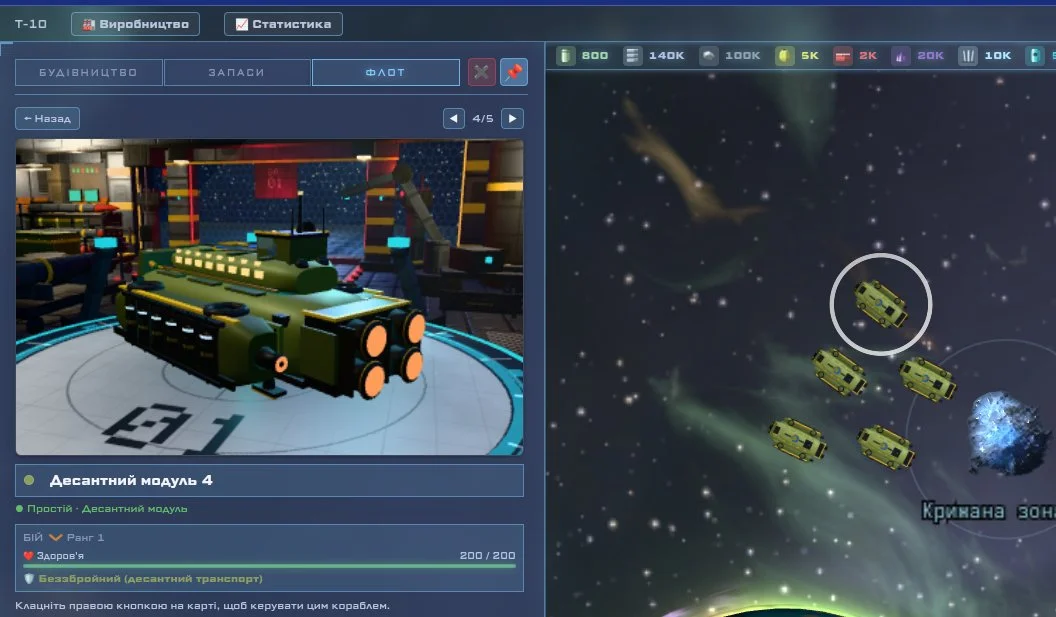
Space exploration and trading game
Interactive shader-driven Dino-dex
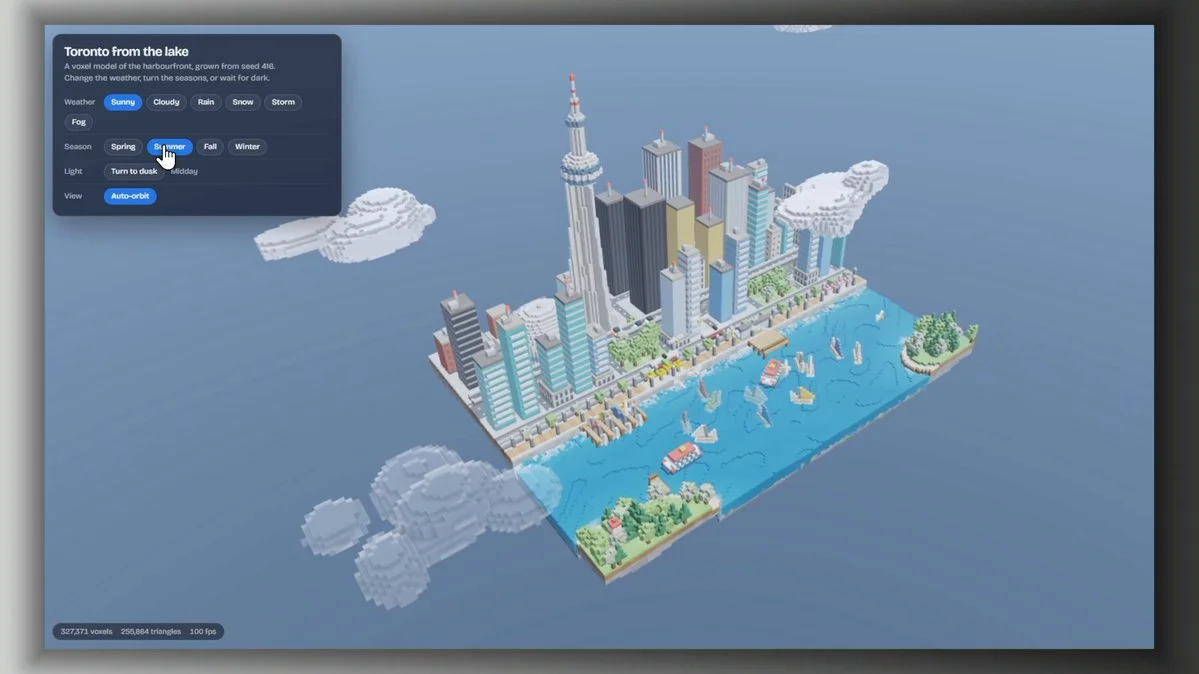
Interactive Toronto skyline
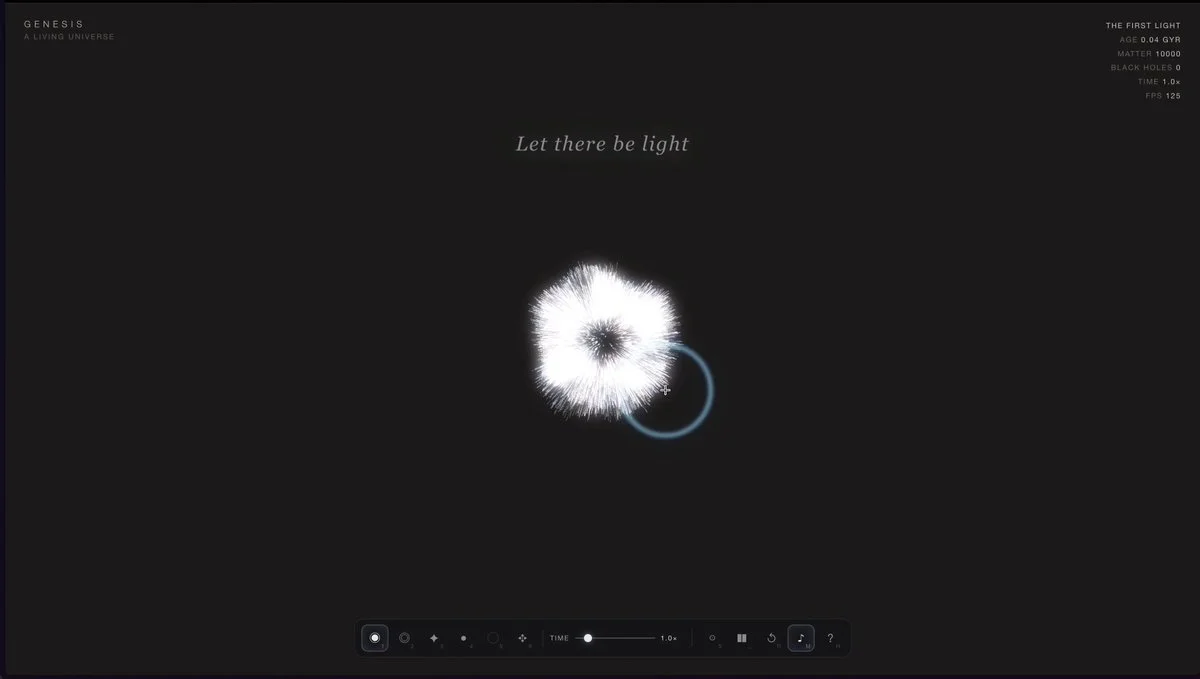
Living universe in one HTML file
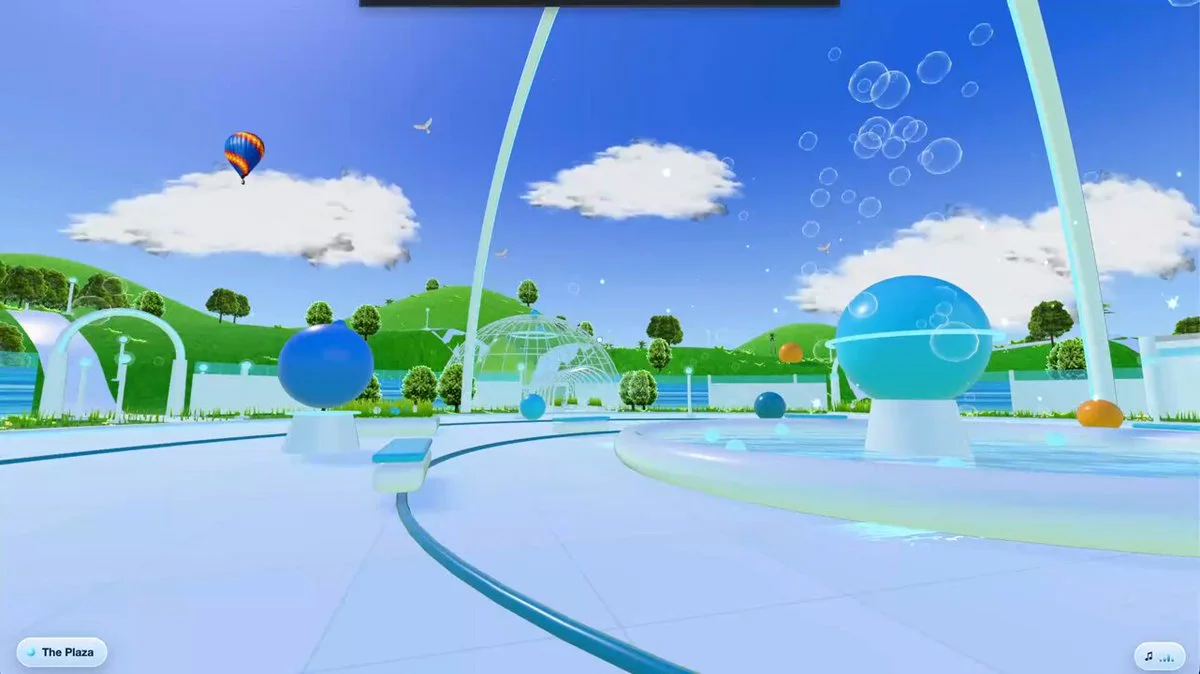
Frutiger Aero 3D world
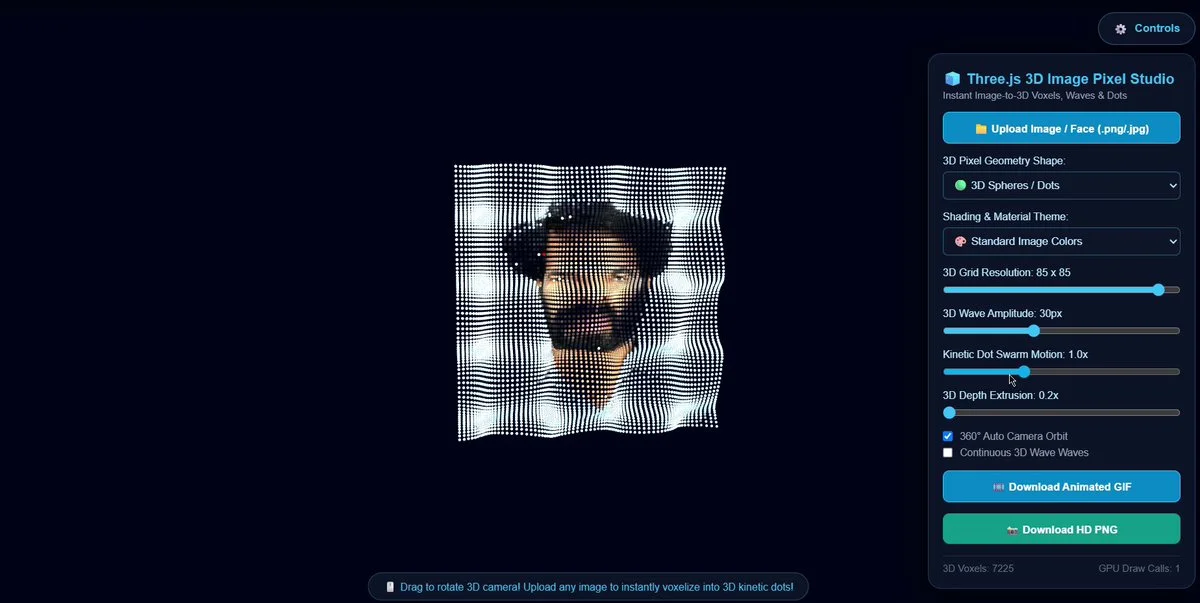
Portrait transformed into kinetic voxels
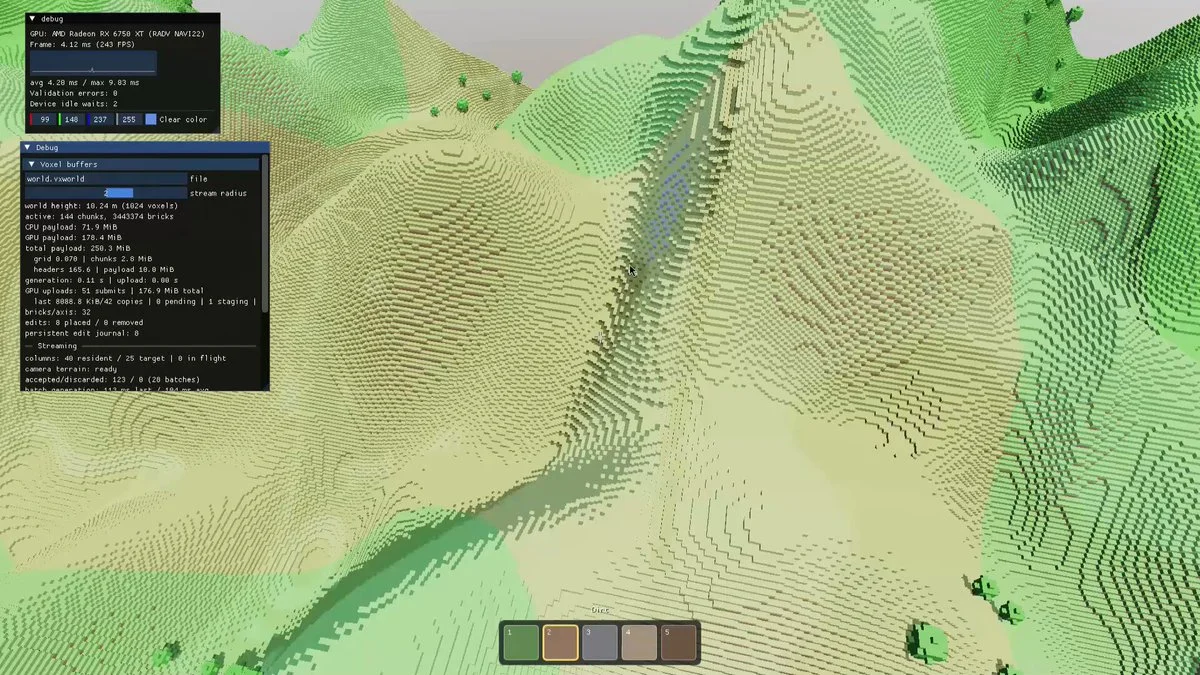
C++ ray-marched voxel engine
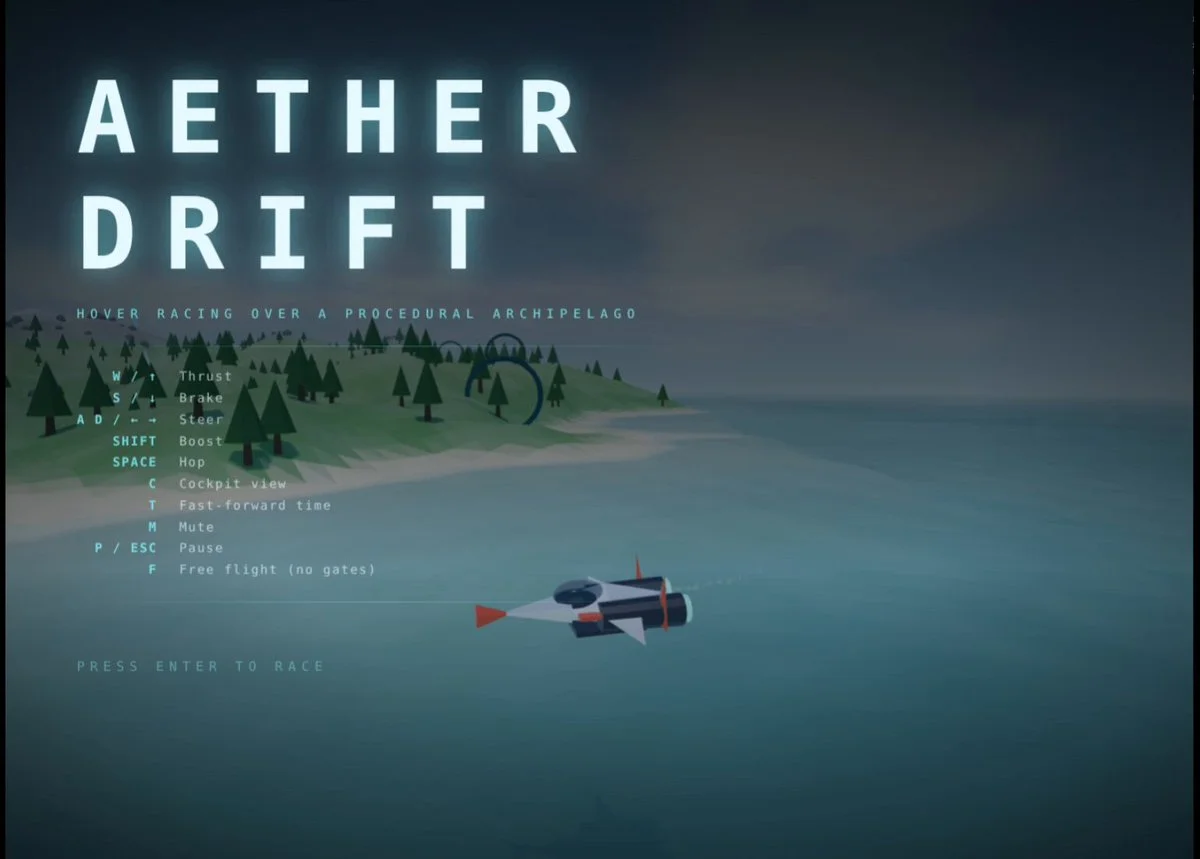
Procedurally generated Three.js world
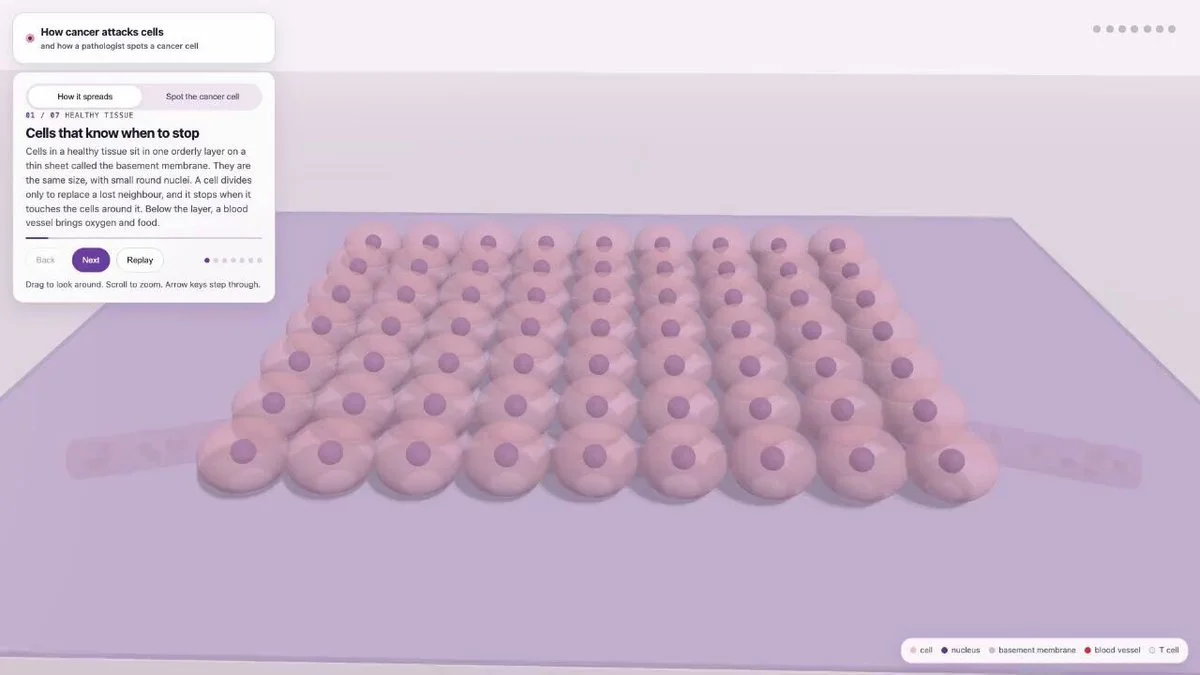
3D cancer progression simulation
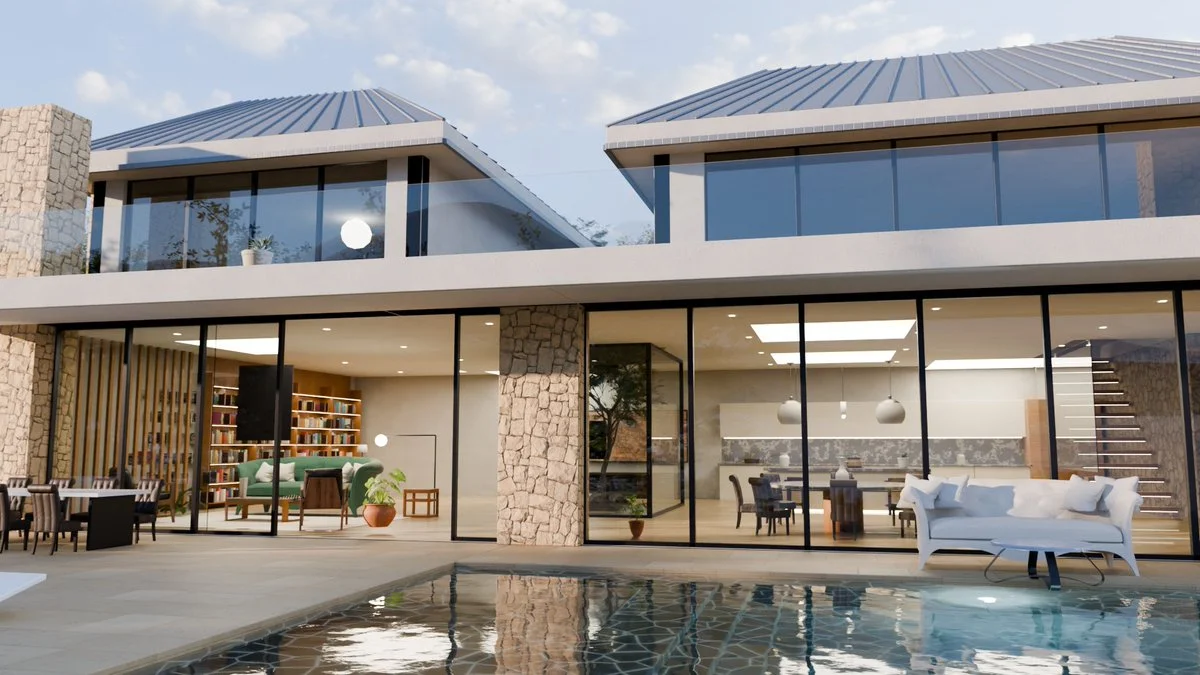
Flying pot animation in Blender
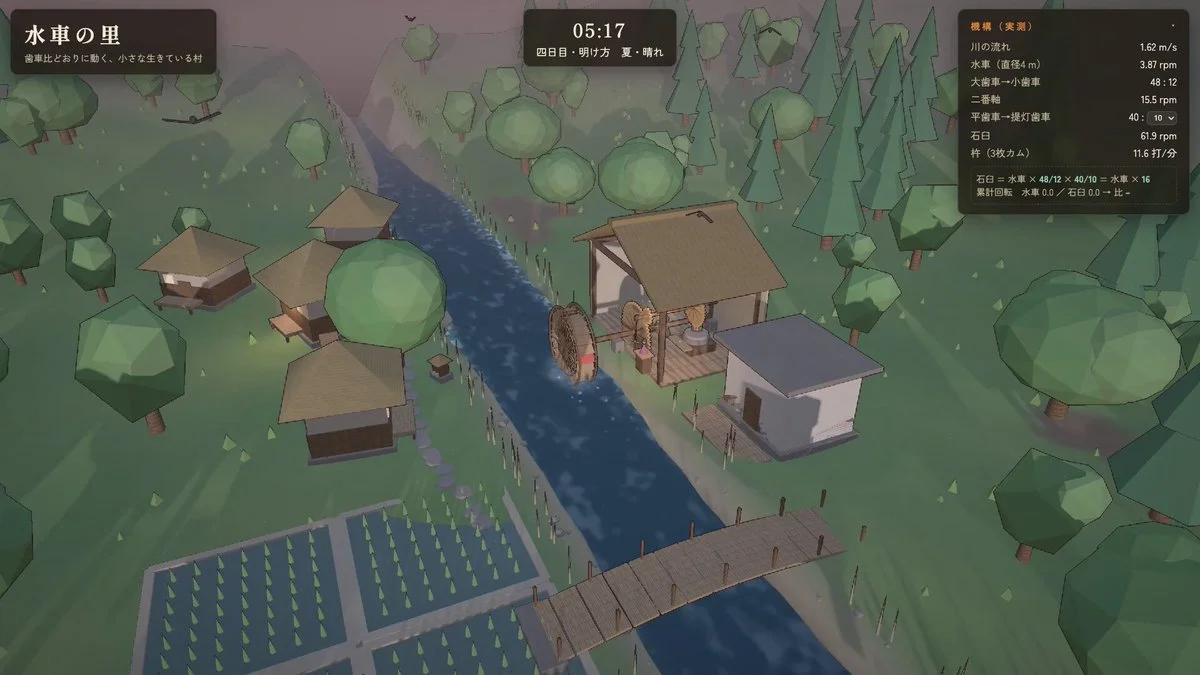
Mechanically accurate water-mill village
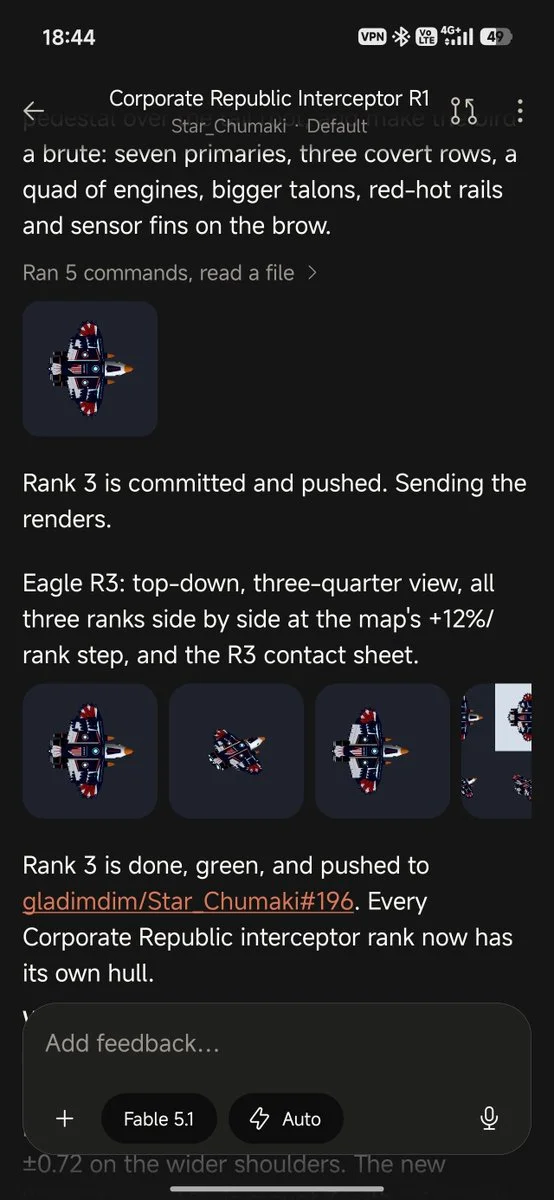
Corporate interceptor drone asset
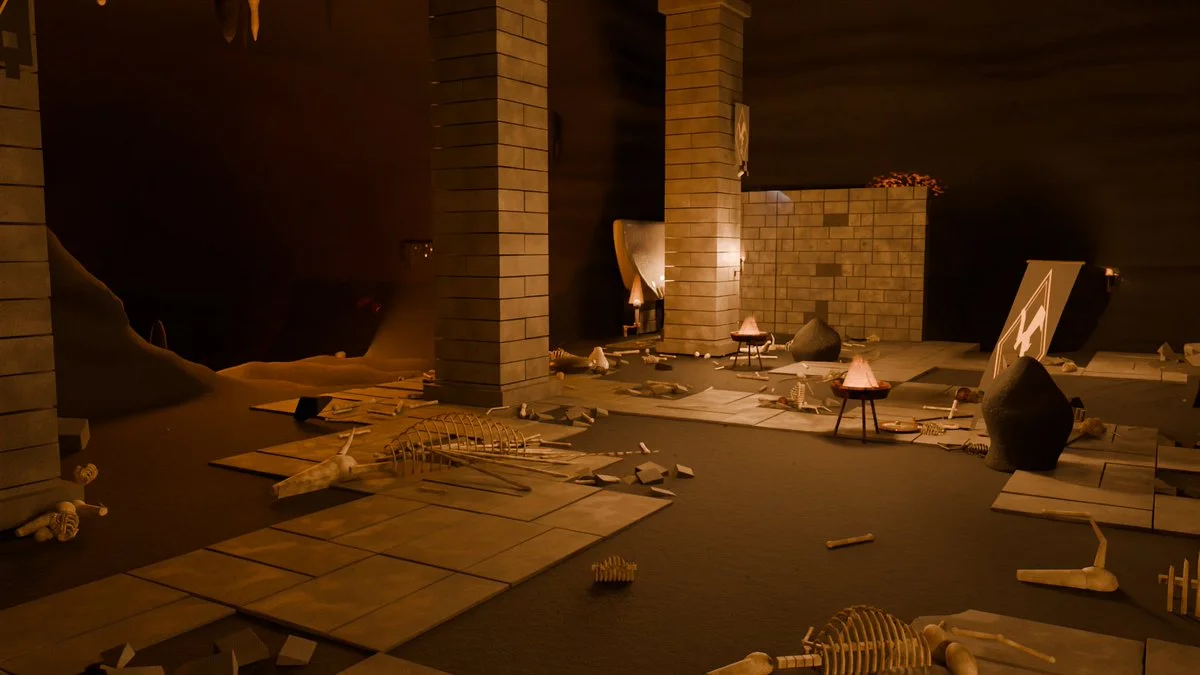
Dragon lair scene in Blender
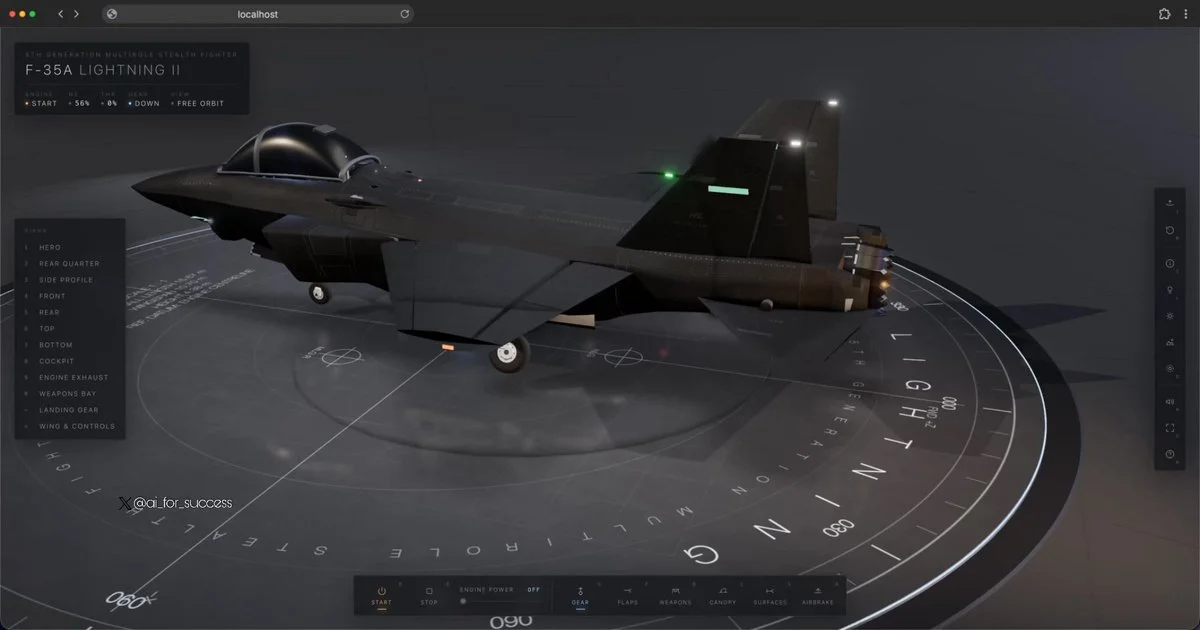
Interactive F-35A technical model
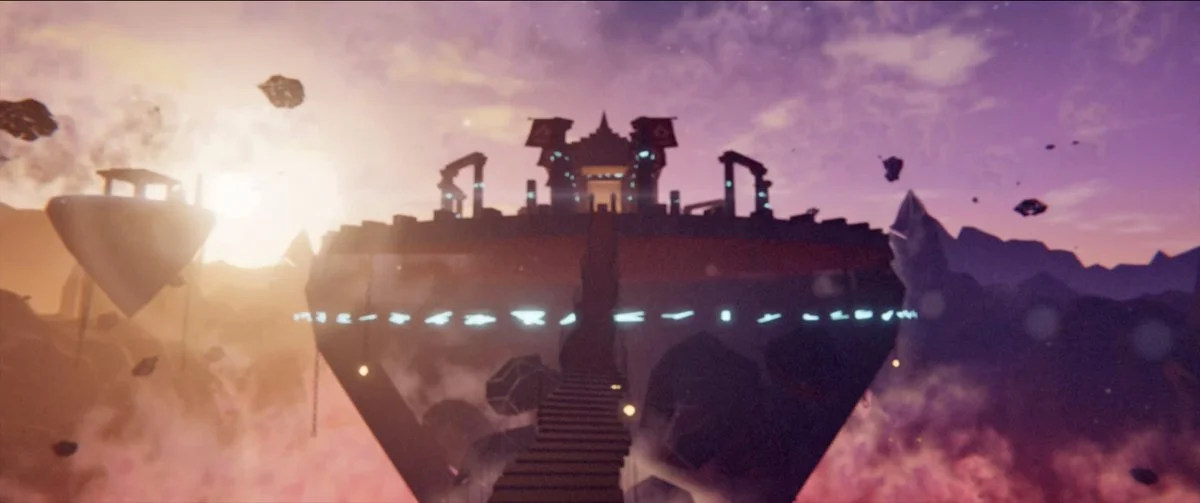
Ancient temple above a glowing canyon
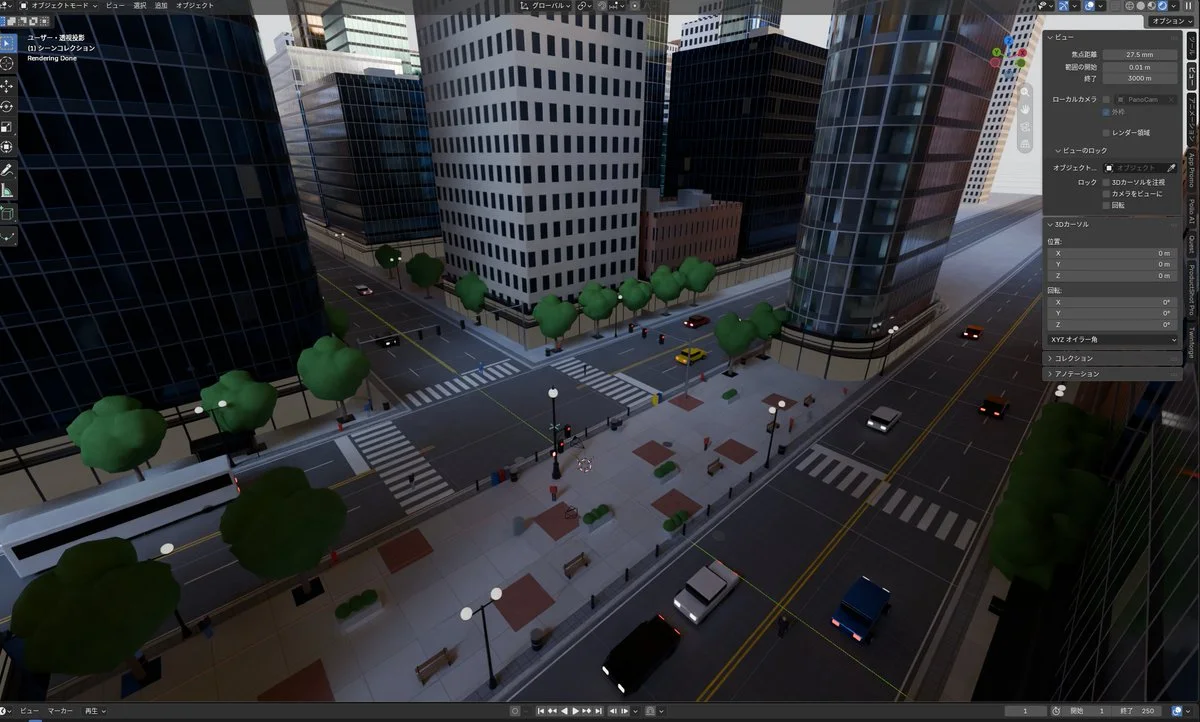
City from an equirectangular panorama
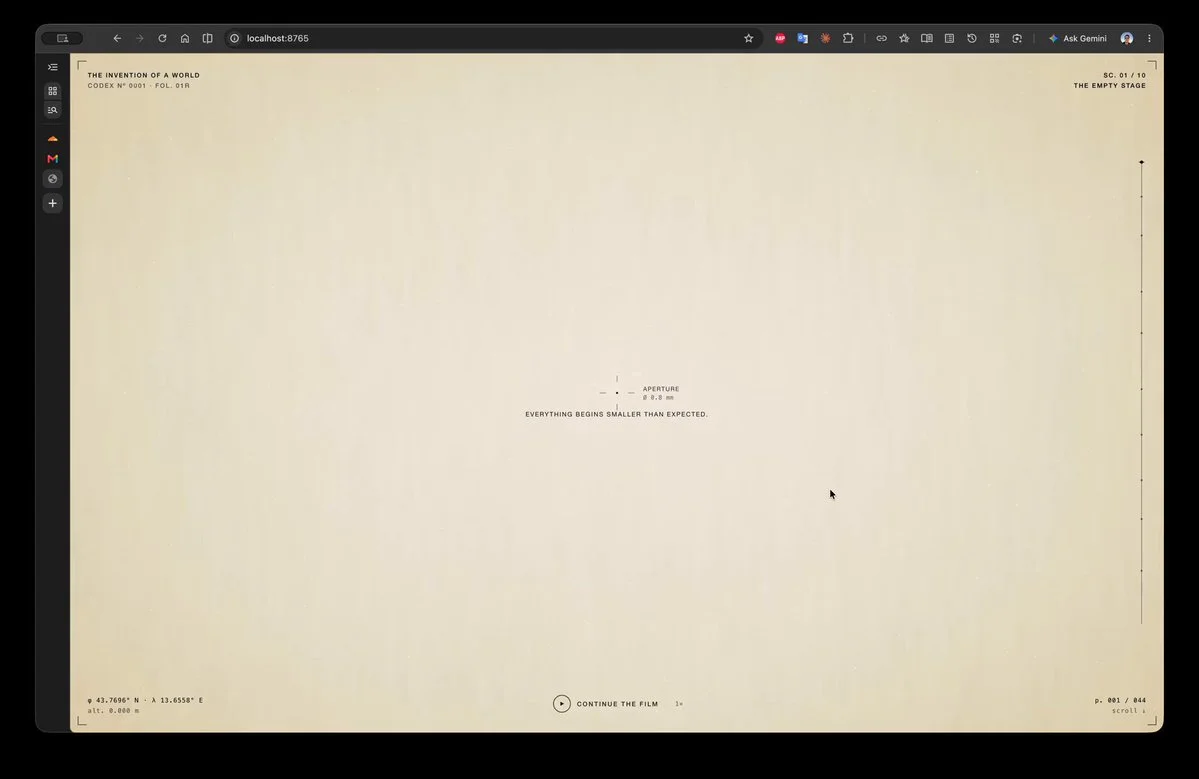
Ten-scene cinematic Renaissance website
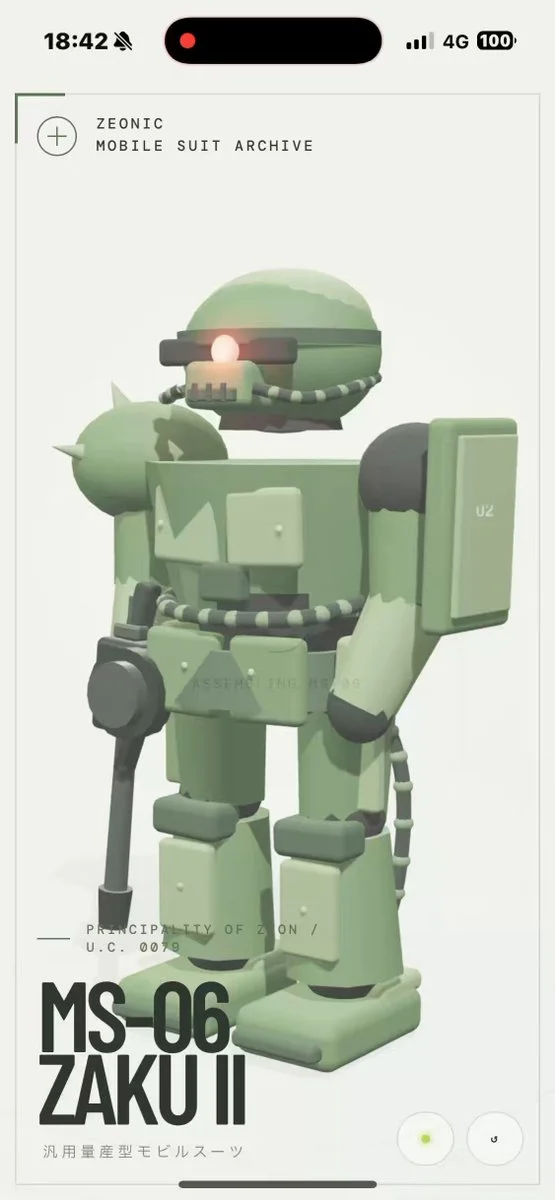
Three.js MS-06-inspired mecha
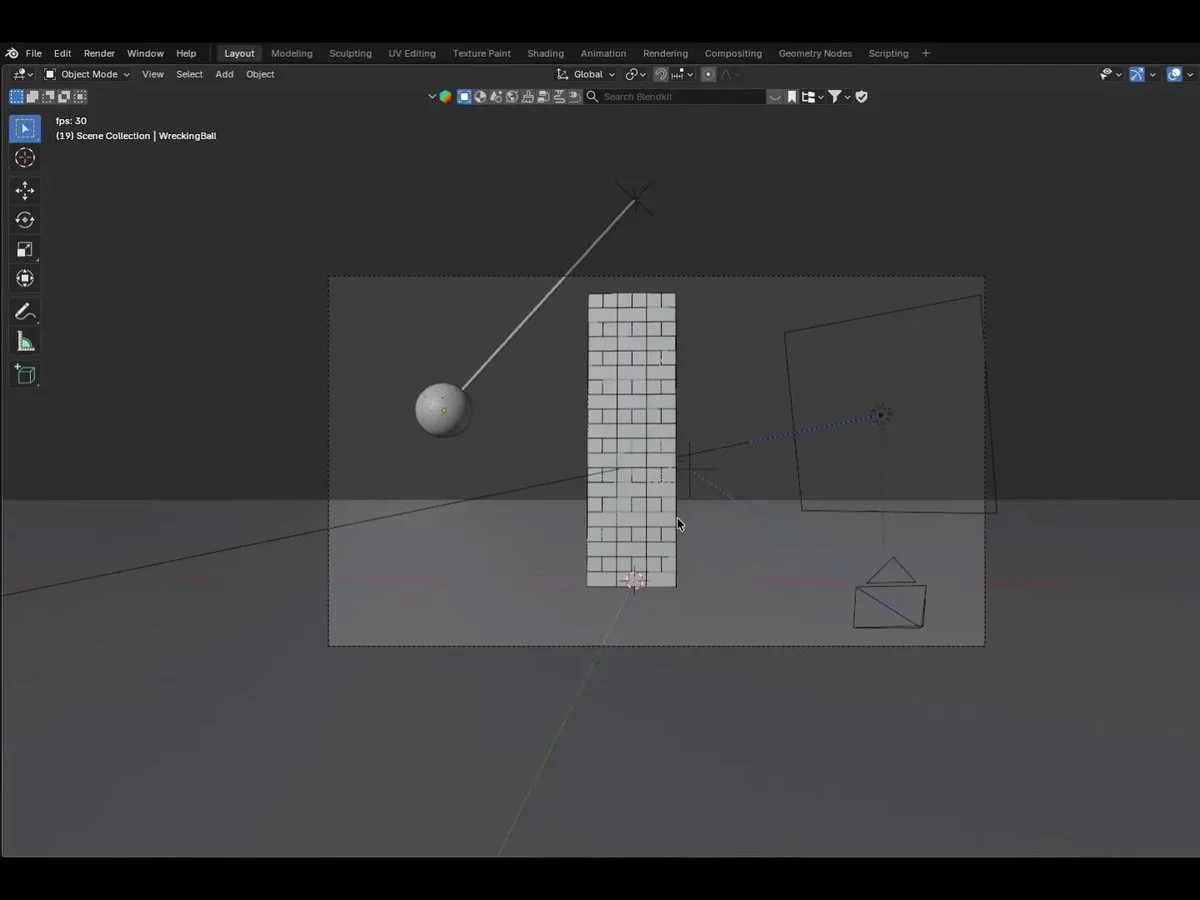
Blender wrecking-ball physics test
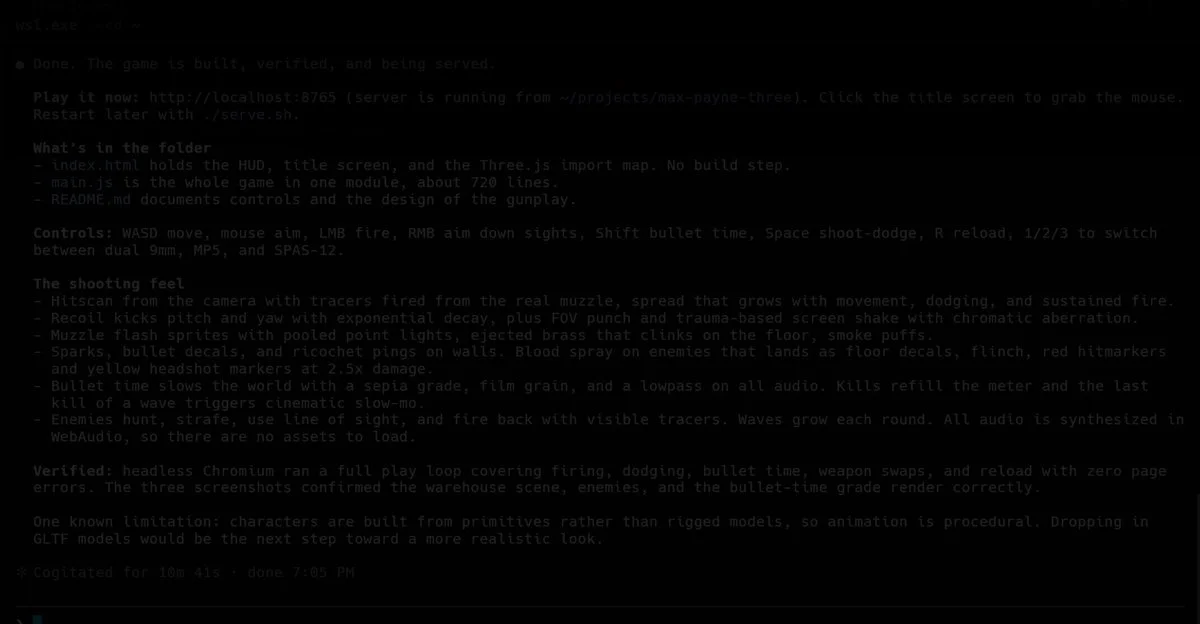
Ten-minute Three.js game, then refined
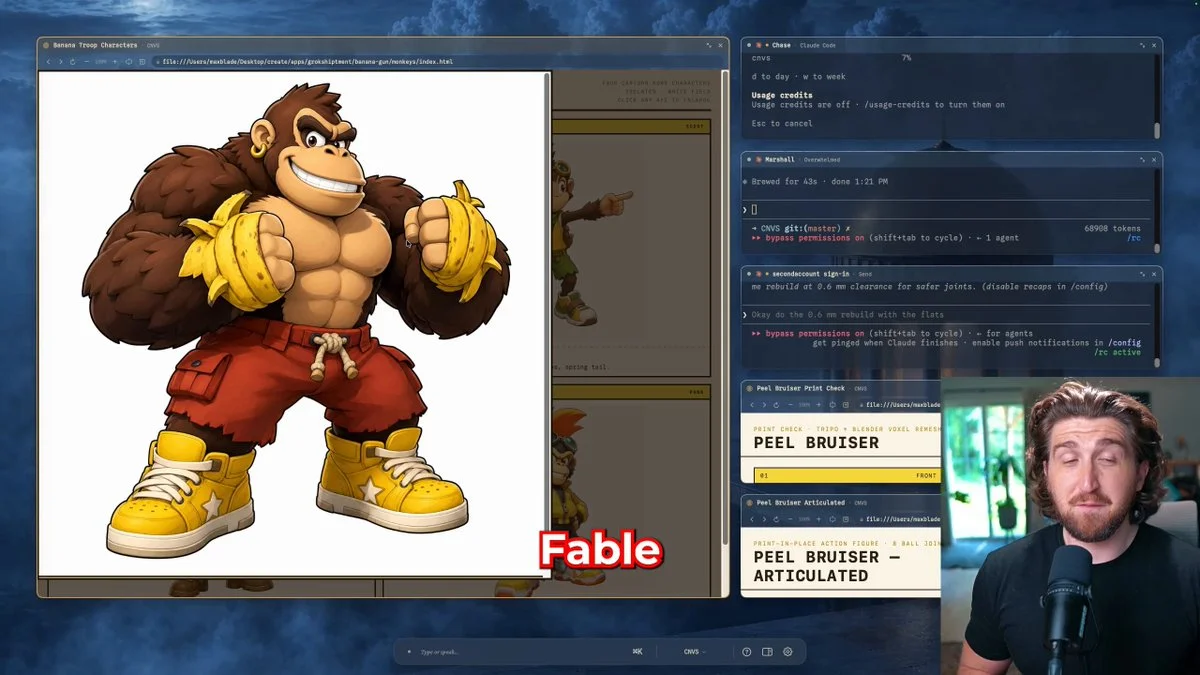
Articulated printable action figure
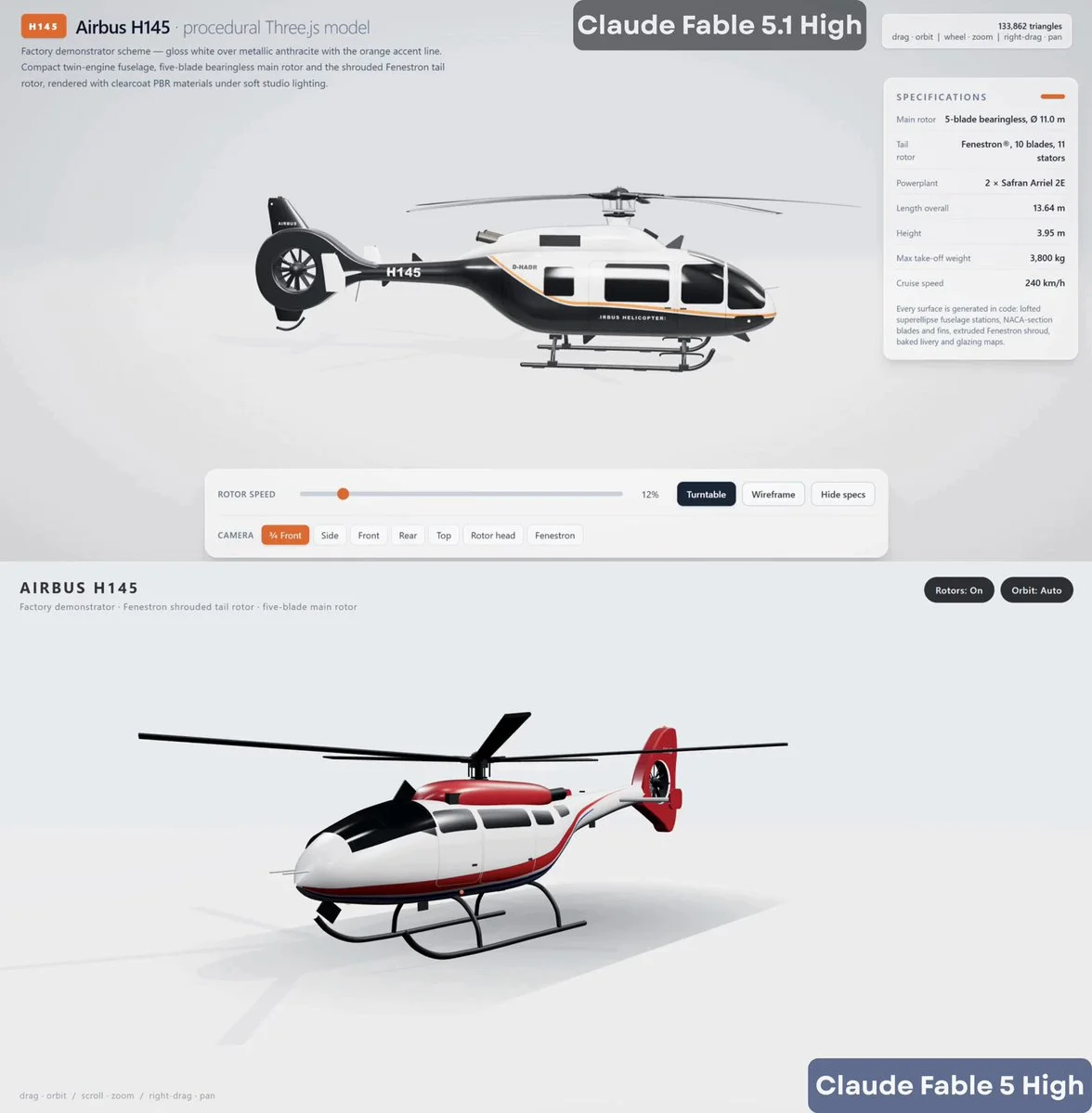
Airbus H145 in Three.js
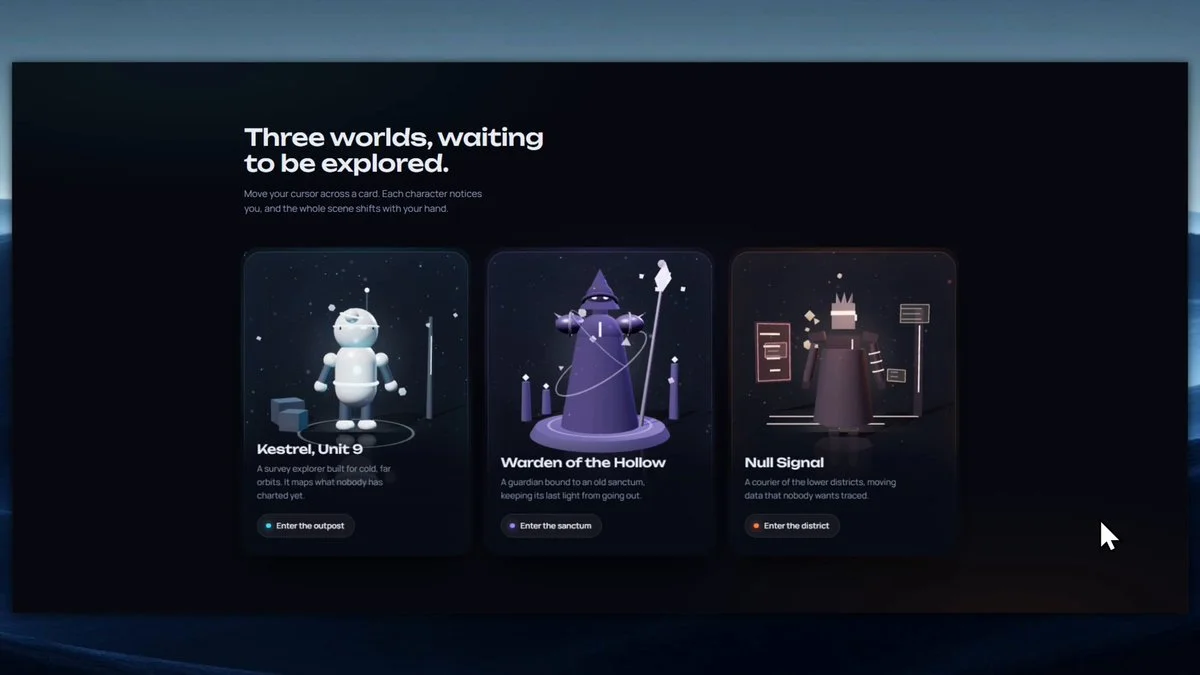
Interactive 3D character cards
Open-source inspiration
Explore projects with source repositories, then discover the full Astra prompt collection on GitHub.
Prompt guide
Better 3D prompts start with a clear picture.
Describe what someone should see and do. A focused first version is easier to improve than a long list of features.
01 / SUBJECT
Choose a clear focal point.
Name the place, character or object. Say what makes it distinctive: a moss-covered observatory, a small robot gardener, a ceramic teapot.
02 / LOOK & FEEL
Set the visual direction.
Describe materials, palette and lighting. Use specific cues such as warm afternoon light, matte clay surfaces or a limited pastel palette.
03 / EXPERIENCE
Describe the camera and controls.
Should the viewer orbit a scene, walk through it or play a game? Define one camera view and the main interaction before adding more.
FAQ
A little direction, before you begin.
What is a 3D prompt?+
A 3D prompt describes an object, scene or interactive experience you want to create. Depending on the tool, the result can be a 3D model, Blender scene or browser project. Each example includes context and source links so you can choose the right workflow.
Are these the creators' exact prompts?+
Some are verified original prompts; others are reference briefs reconstructed from public project descriptions. Each detail page labels the evidence. A preview shows the creator's work and does not guarantee an identical result.
Can I use these examples for commercial projects?+
You can browse and adapt the briefs, but linked code, models and media may have separate licenses. Check each creator's source and repository before reusing assets commercially.
How do I turn an idea into a 3D model?+
For a single character or prop, describe the object or upload a reference image in a 3D creation tool. For a complete game or website, use the prompt in a coding workflow, then import the models you need into the scene.