
Start with the right workspace
Open your preferred coding assistant or 3D tool. Use the model shown on the example as a starting point, and check any linked project for setup instructions.
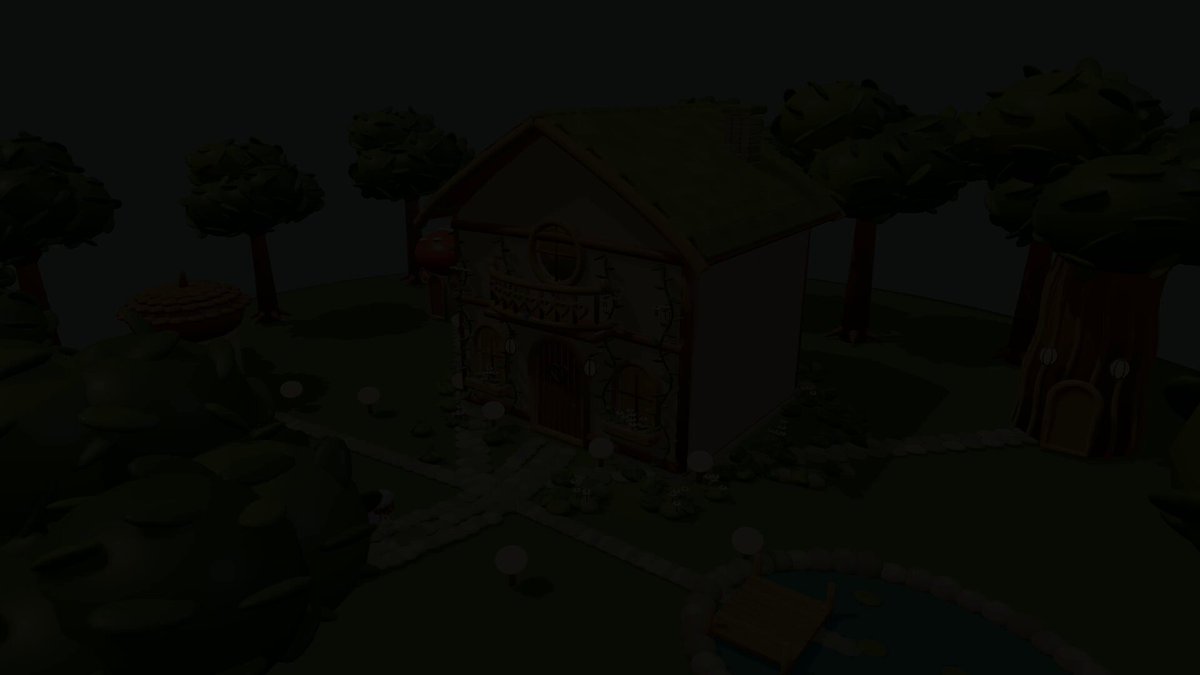
A step-by-step prompt for using the worldbuilding reference images and canonical character images provided in the poster’s creator comments to inspect and recreate the house and character in 3D, then refine them in Blender and add an automatic rig and animation. It does not specify gameplay objectives or rules; the primary deliverable is a 3D environment containing an animated character.
About this example
A starting brief based on the creator's public project, not a verbatim original prompt. Your result will vary.
Before running the prompt, attach exterior or room reference images that show the world you want to create, along with canonical character images such as front, side, and back views. The instructions state that the character cannot be recreated without images. Based on the attached images, inspect the house and character’s shapes, colors, and design details, generate 3D models in Tripo, and then adjust their placement and scale in Blender. Set up an automatic rig for the character and add personality-appropriate animations such as walking and swaying. If a decision is needed, such as whether to use a paid asset, request confirmation before proceeding.
Open your preferred coding assistant or 3D tool. Use the model shown on the example as a starting point, and check any linked project for setup instructions.
Swap the subject, art style or setting. Keep the camera and interaction clear. Build a small version first, then refine one detail at a time.
For a custom character or prop, create a 3D model from a short object description or reference image, then bring it into your project.
Previews belong to their respective creators. Check the original source and project license before reusing code or assets.


