3DPrompt.
GitHub
Back to the library
GPT-6 AstraReference brief

STILLWATER — Moonlit Swamp Browser Experience

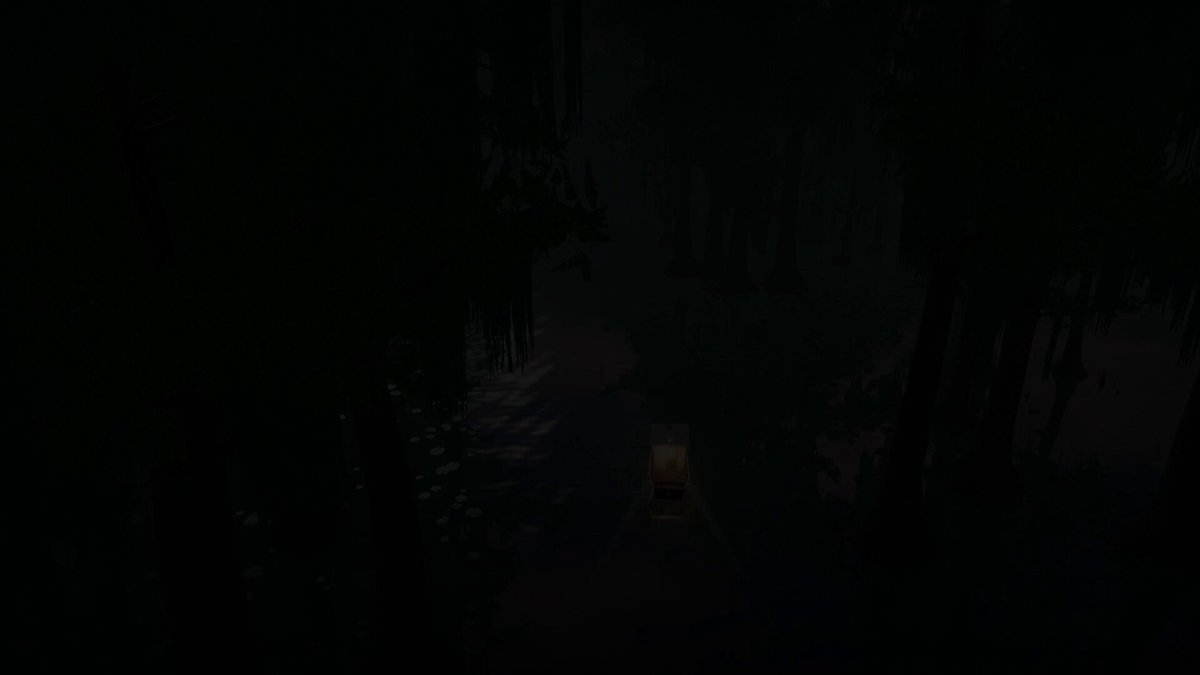
A detailed prompt supplied by the posting author in a reply for an interactive Three.js swamp world. It specifies a guided cabin-skiff drift through a flooded cypress environment, cinematic reflective water, atmospheric lighting and fog, drag-to-look camera controls, and editorial HUD elements. The requested outcome explicitly excludes combat and other gameplay systems.
Created by YouWareView original source
STILLWATER — Moonlit Swamp Browser Experience

About this example

A starting brief based on the creator's public project, not a verbatim original prompt. Your result will vary.

Three.jsinteractive 3Dmoonlit swampwater reflectionscustom water shaderprocedural naturecypress swampcabin skiff

The prompt

Build a browser experience in Three.js called STILLWATER. Tone: a moonlit swamp you get lost in. Not a game with enemies. Not photoreal Unreal. A quiet, expensive-looking web world where the water reflections are the feature. People should stare at the water for an unhealthy amount of time. SETTING - Location title: THE DEEP SWAMP - Time on the HUD: 19:26 - First named place: Heron bend - Tagline under the place name: "Leave a little room for the wild." - Discovery toast when you arrive: "Discovered: Heron bend" WORLD A flooded cypress swamp at moonrise / late dusk. - Tall knobby-kneed trees standing in black-green water - Spanish moss hanging in long strands - Lily pads clustered along the banks - Narrow winding channel that opens into a wider bend - Thick volumetric fog, teal-green distance, purple-pink cloudy sky - A bright moon with a long broken reflection path on the water - A few birds crossing the sky - Warm cabin light from the boat punching through the gloom WATER (do not cheap out) This is the hero. - Real-time reflections of trees, moon, fog and boat lights - Gentle swell, not ocean waves - Lily pads that sit on the surface and bob - Shoreline foam / dark tannin water near roots - Screen-space or planar reflections good enough that the moon path feels cinematic - Keep 60fps. LOD the trees, instanced foliage. BOAT A small weathered cabin skiff / workboat. - Hull number 86 on the stern - White cabin, dark blue hull, warm interior lamps - Idle drift through the channel, optional slow guided tour - HUD speed around 15.9 KNOTS - Mode label: GUIDED DRIFT Player can look around. Boat can be followed from a cinematic chase / side orbit. CAMERA - Start on a three-quarter of the boat in the trees - Drift behind the stern down the moonlit lane - Occasional side slide past a foreground trunk - Drag to look - Optional PHOTO MODE Feel like a nature documentary, not an FPS. UI — editorial, not gamey Top-left: small mark + STILLWATER Top-center: THE DEEP SWAMP / 19:26, a compass heading (e.g. 314°) Top-right: quiet utility icons Bottom-left: EXPLORING STILLWATER Heron bend Leave a little room for the wild. 15.9 KNOTS GUIDED DRIFT Bottom-right: PHOTO MODE, fps, Pause Center-bottom: small toast "Discovered: Heron bend" Tiny hint row: shaders / water / drag to look / photos / wildlife Look: dark filmic grade, muted greens, magenta clouds, one moon highlight. Taste over realism. No bloated debug GUI. TECH Three.js in the browser. Procedural / instanced nature. Custom water shader. Fog. Soft shadows or baked-looking dusk lighting. No asset-store swamp pack if you can author it. DO NOT add combat, inventory, jump scares, or a treasure hunt. Something can lurk underwater later — not now.

How to use this prompt

01

Start with the right workspace

Open your preferred coding assistant or 3D tool. Use the model shown on the example as a starting point, and check any linked project for setup instructions.

02

Choose one thing to change

Swap the subject, art style or setting. Keep the camera and interaction clear. Build a small version first, then refine one detail at a time.

03

Give the scene its own assets

For a custom character or prop, create a 3D model from a short object description or reference image, then bring it into your project.

Previews belong to their respective creators. Check the original source and project license before reusing code or assets.


