Collections
Claude Fable 5 3D prompts
Explore Claude Fable 5 examples for games, 3D scenes and interactive experiences. Preview the result, adapt the prompt and follow the original source.
Explore
Find your next creation.
Real projects, source links, and a starting point for your imagination.
18 results
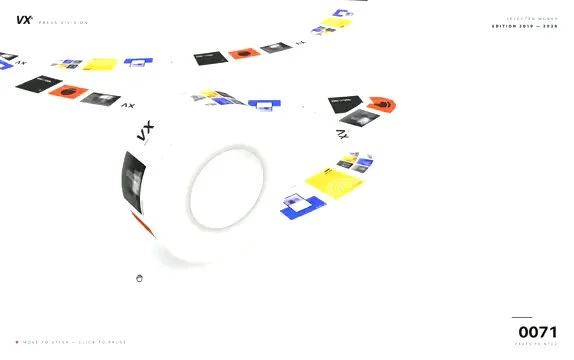
Claude Fable 5 prompt for an infinite Three.js paper machine
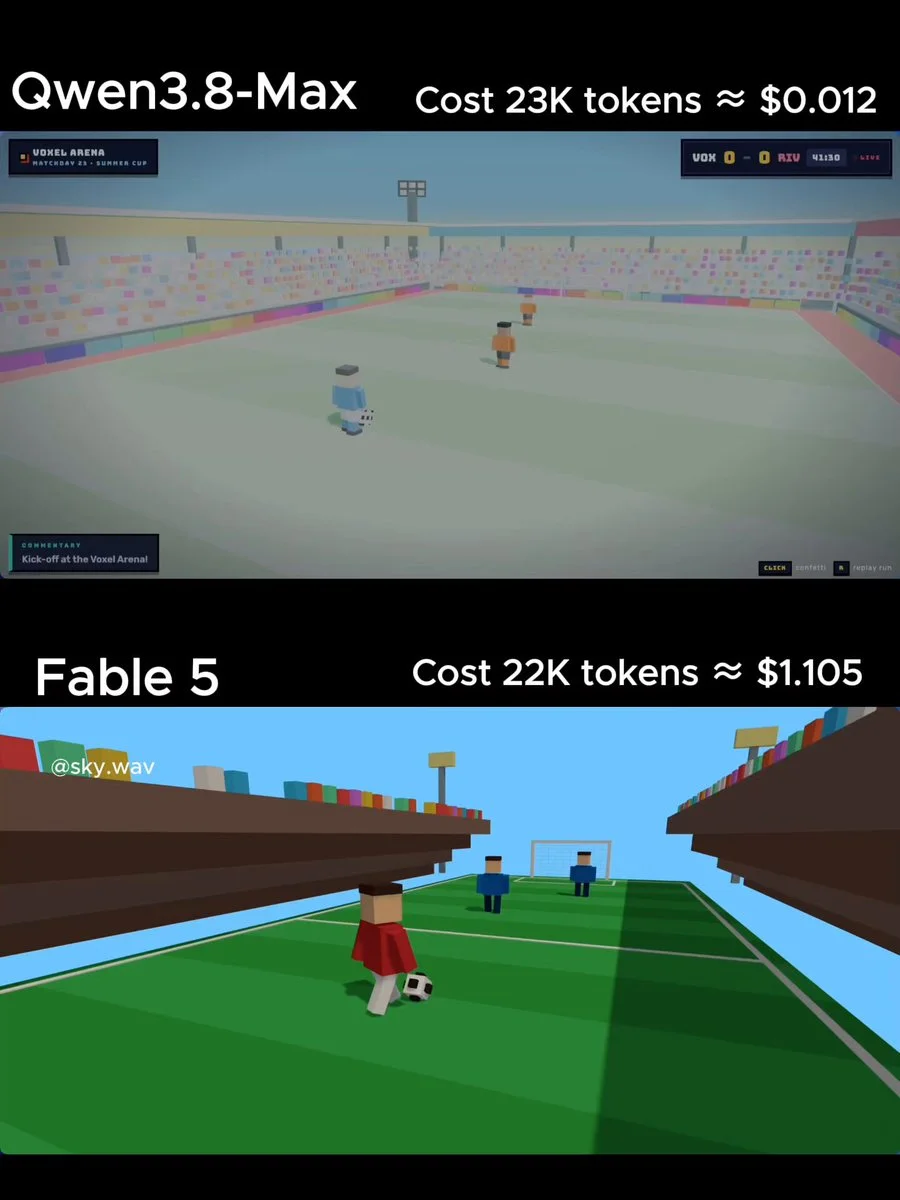
Single-file Three.js voxel soccer animation prompt for Fable 5
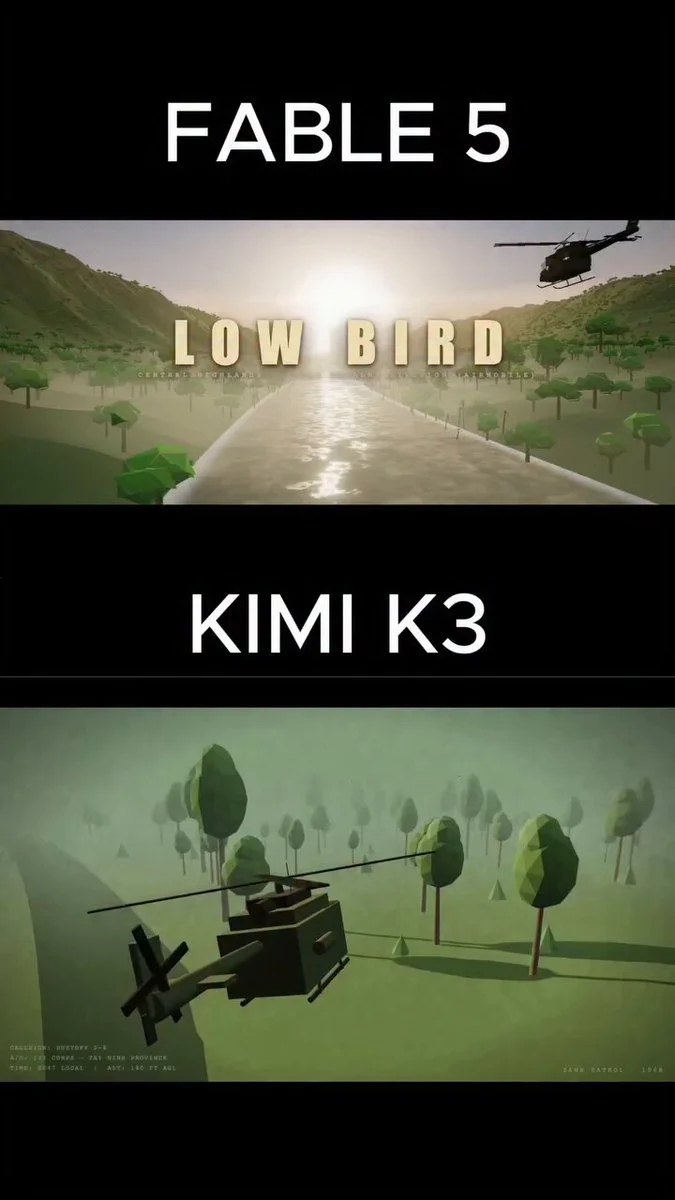
Prompt for a cinematic Vietnam jungle helicopter animation
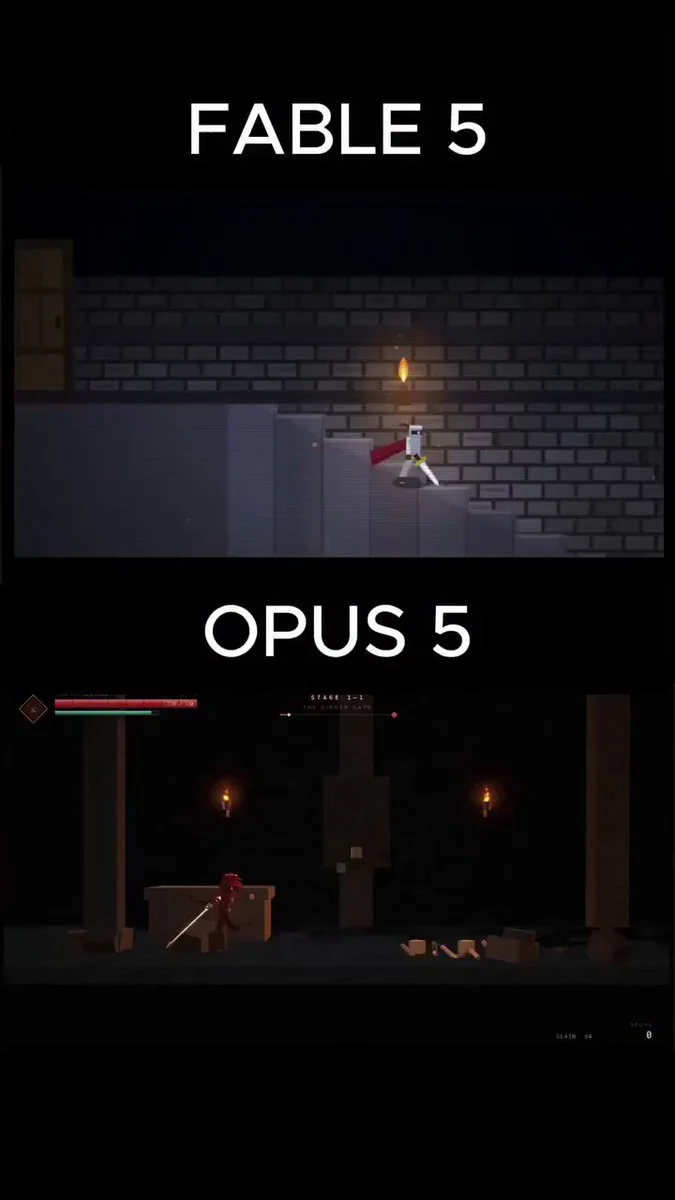
Playable dark fantasy side scroller in a single HTML file
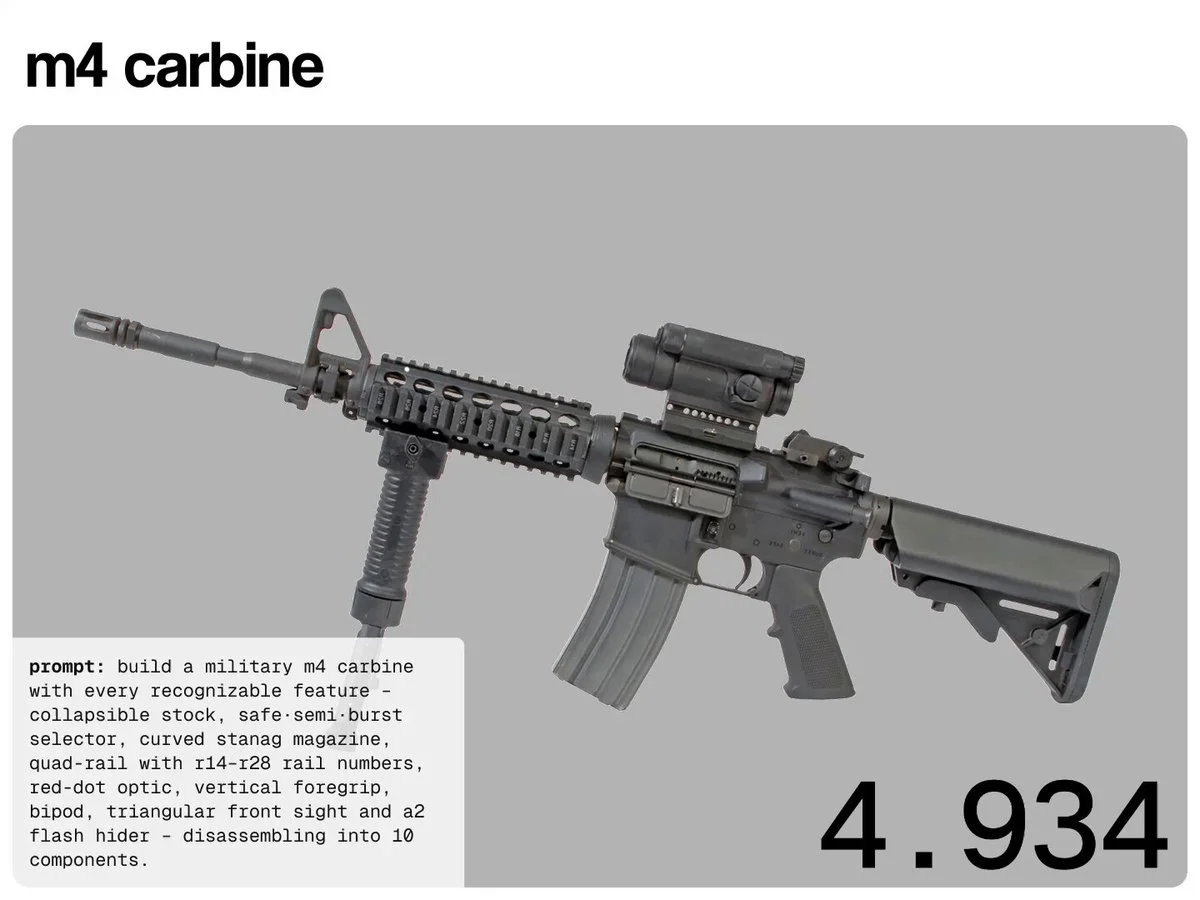
Procedural Three.js Weapon Modeling Task for Claude Fable 5
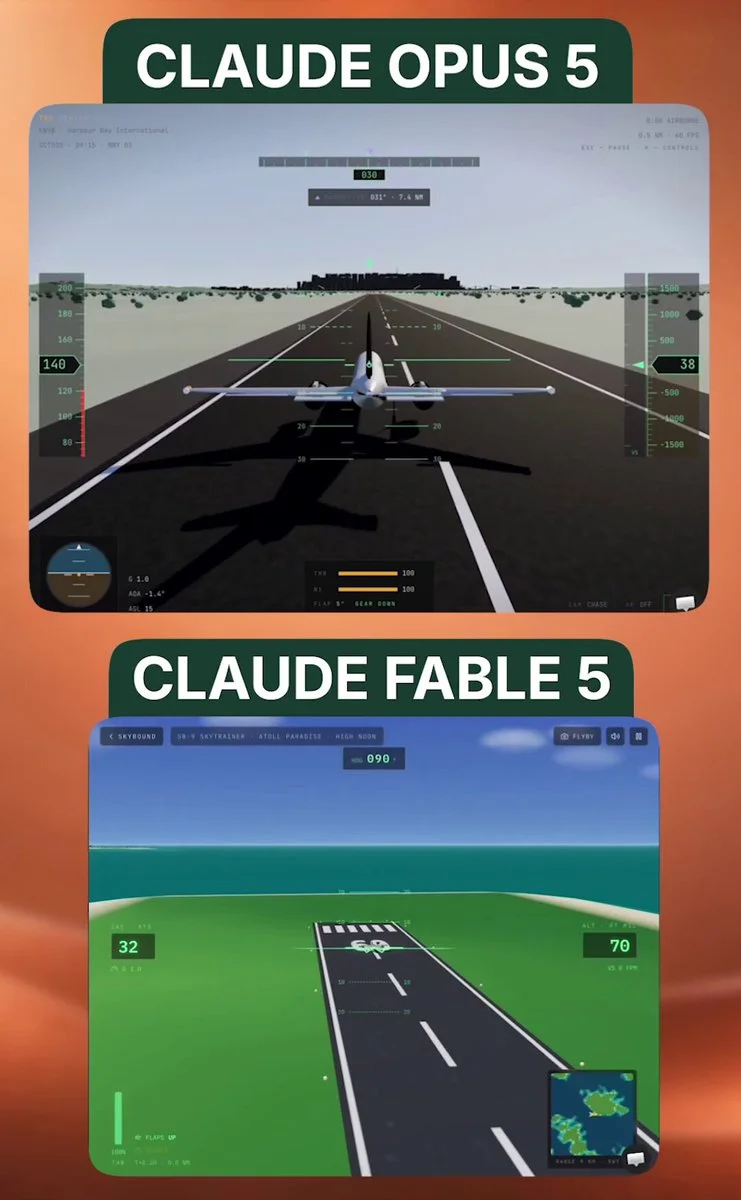
Prompt for an ultra-realistic 3D flight simulator
Multi-build prompt covering e-commerce, interactive 3D museum, and RTS clone
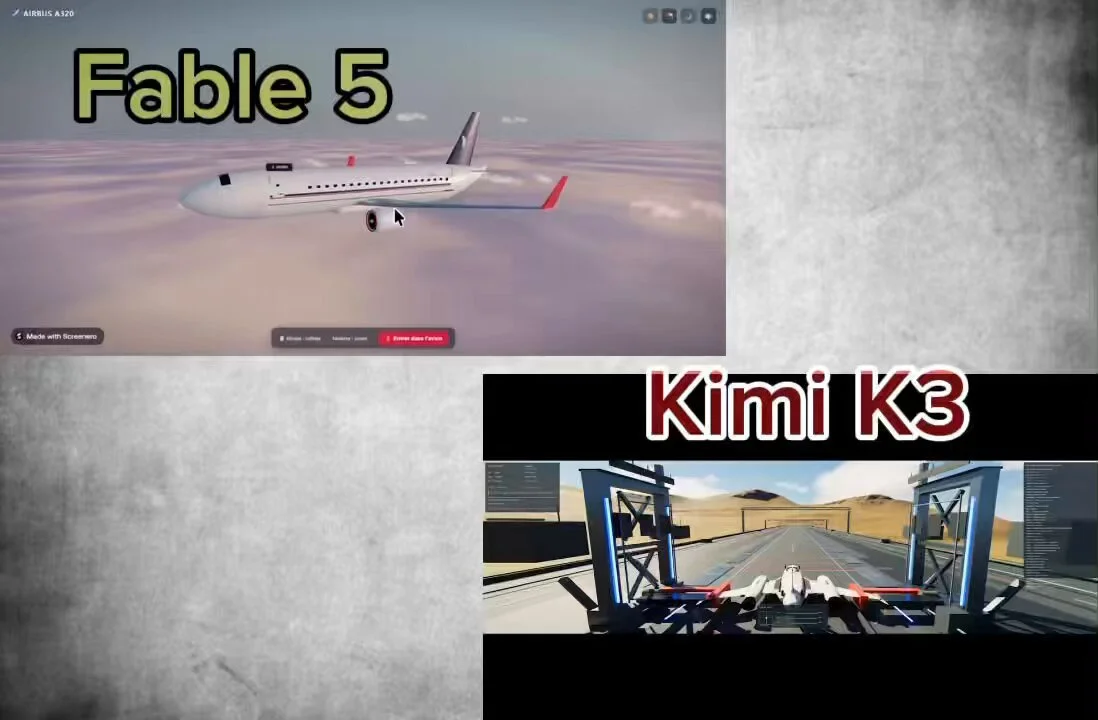
Three.js airplane walkthrough experience prompt
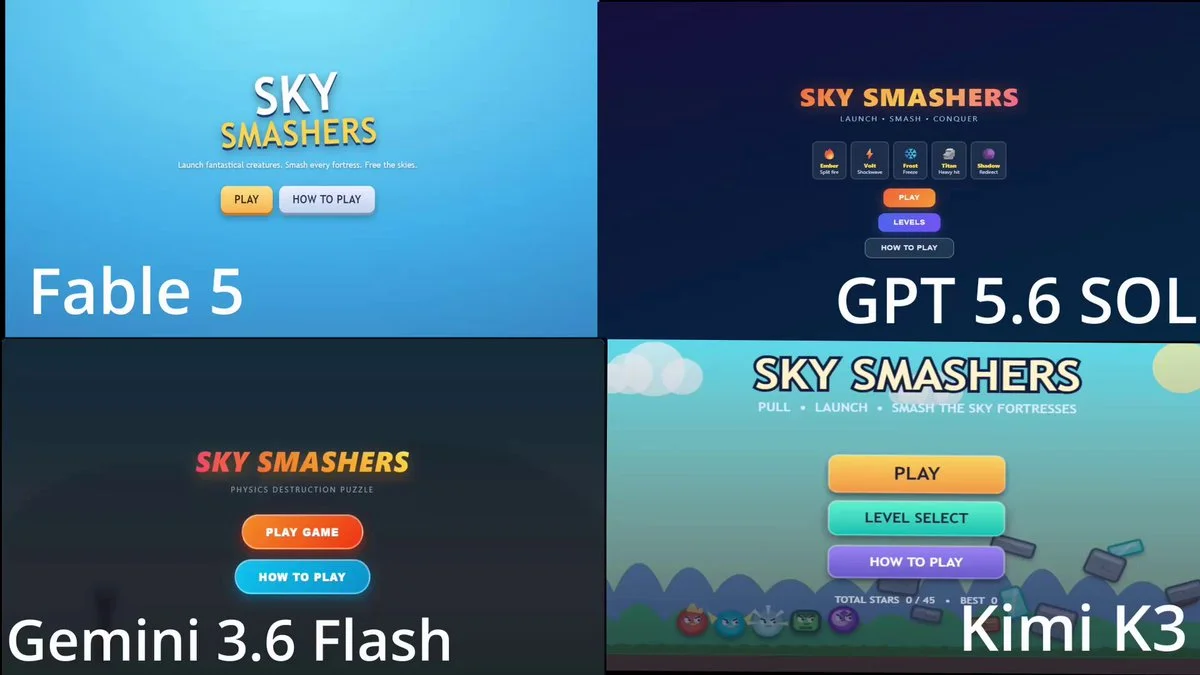
Angry Birds-style clone with unique birds and multiple levels
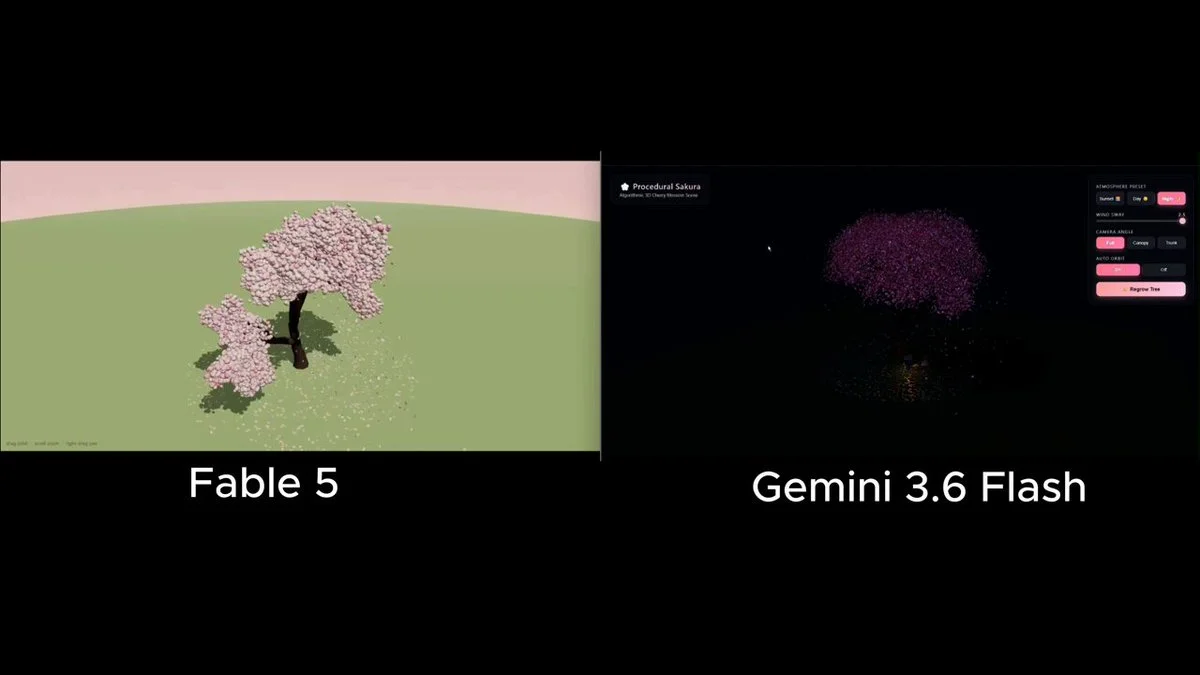
3D cherry blossom tree prompt for Claude Fable 5
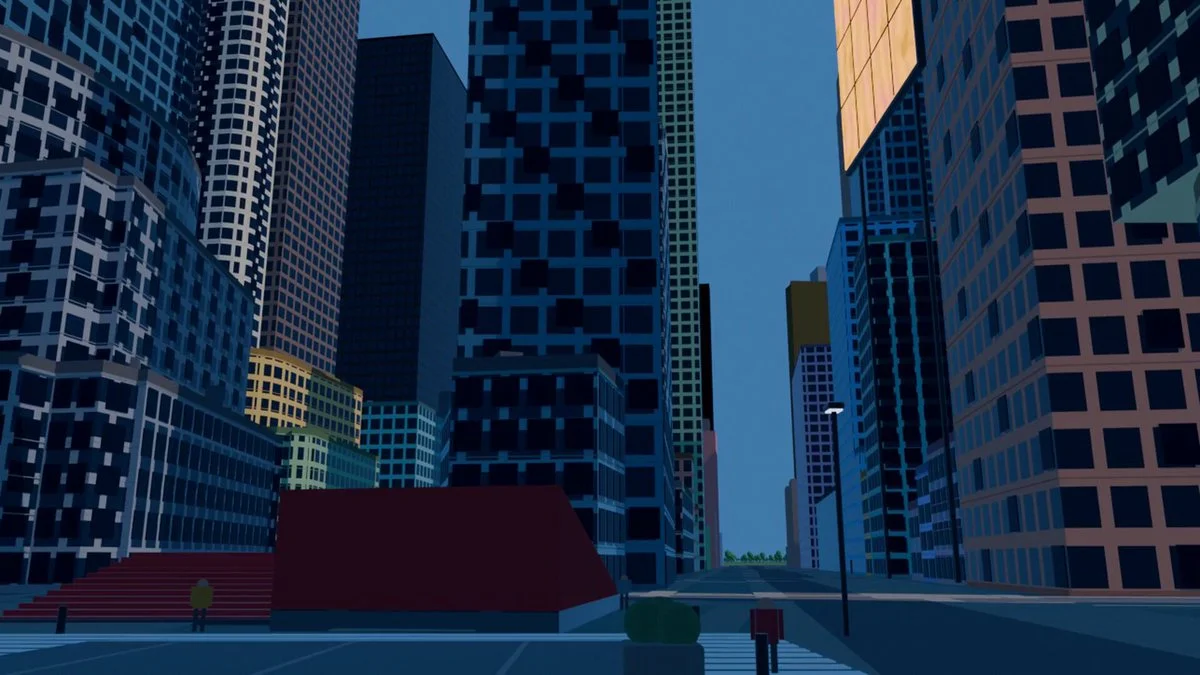
Blender city modeling prompt for building New York with Fable 5
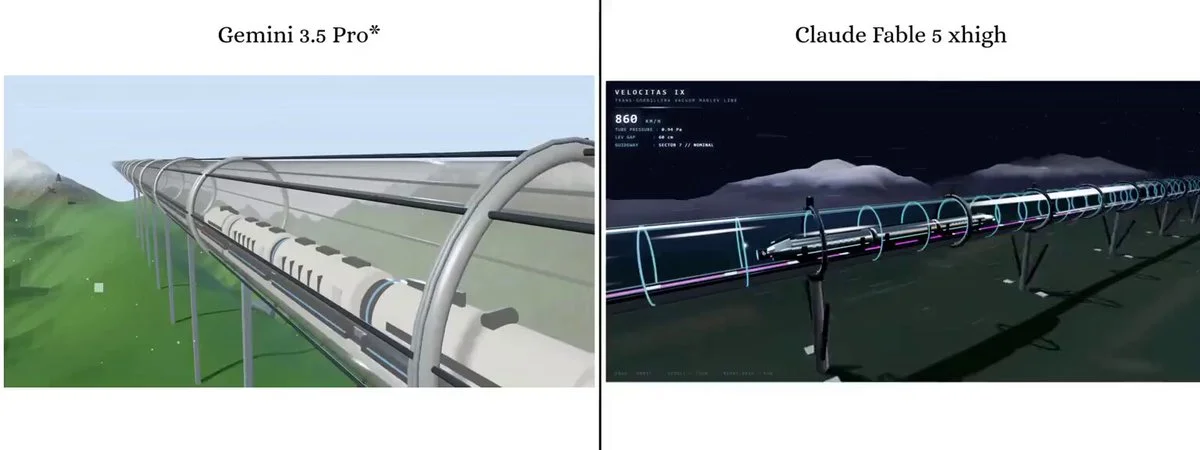
Three.js prompt for a futuristic maglev train scene
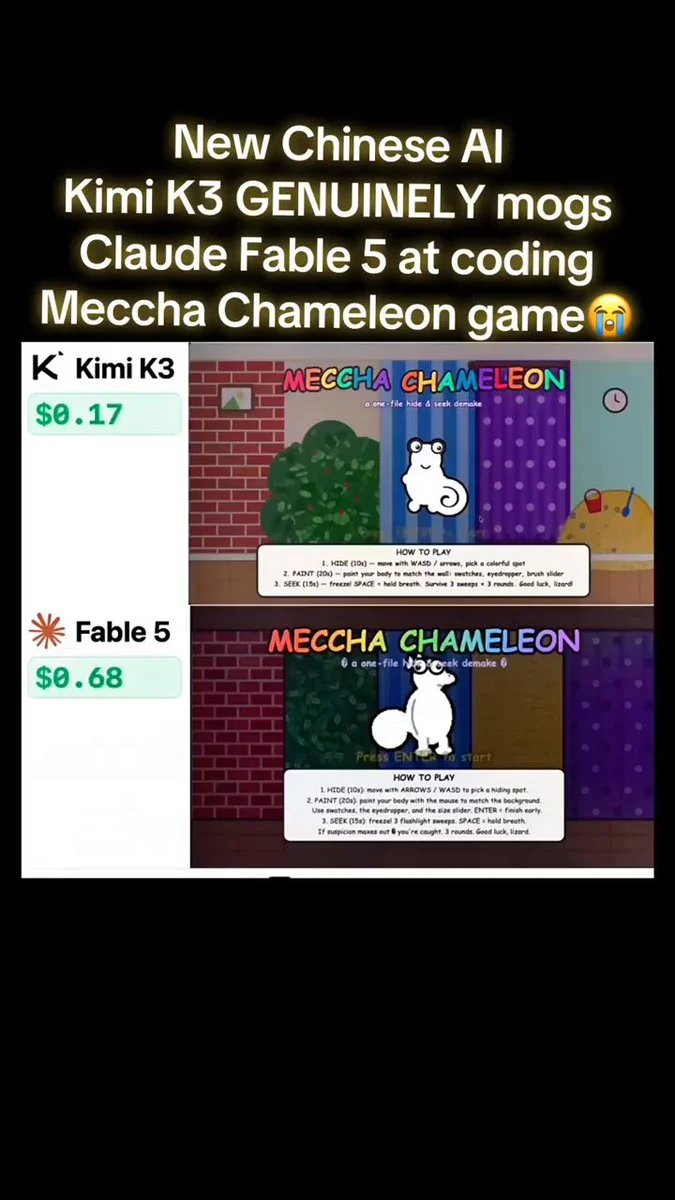
Hide-and-seek 3D game prompt with chameleon and robot
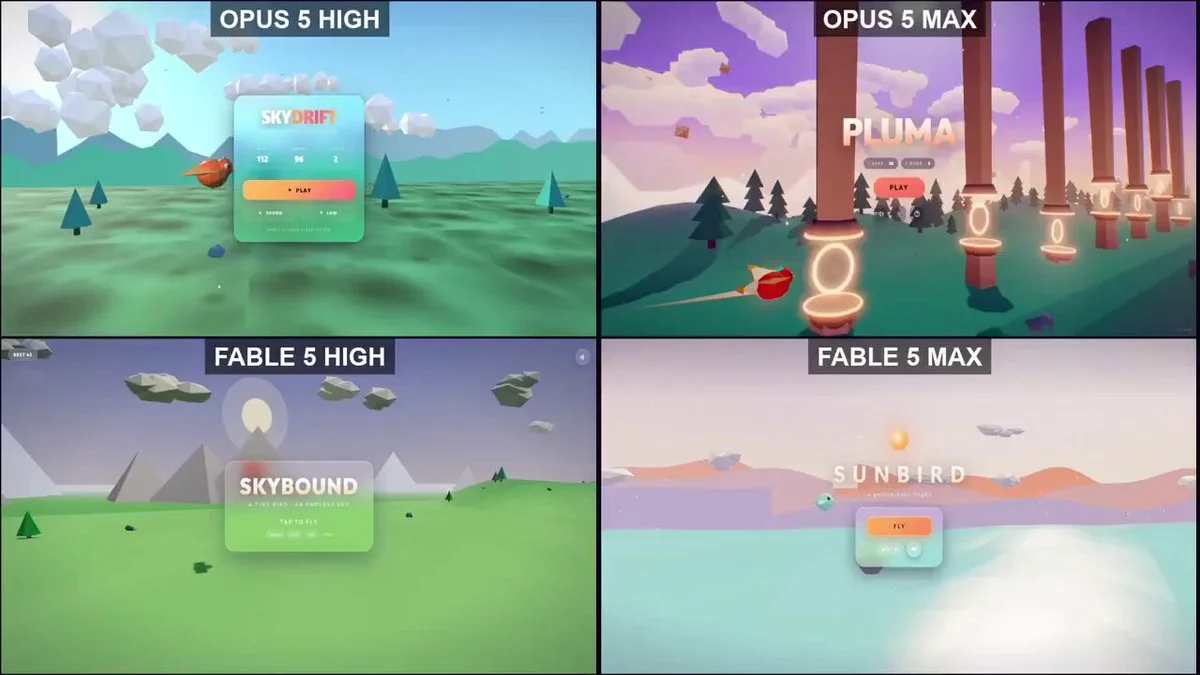
Prompt for a 3D Flappy Bird game
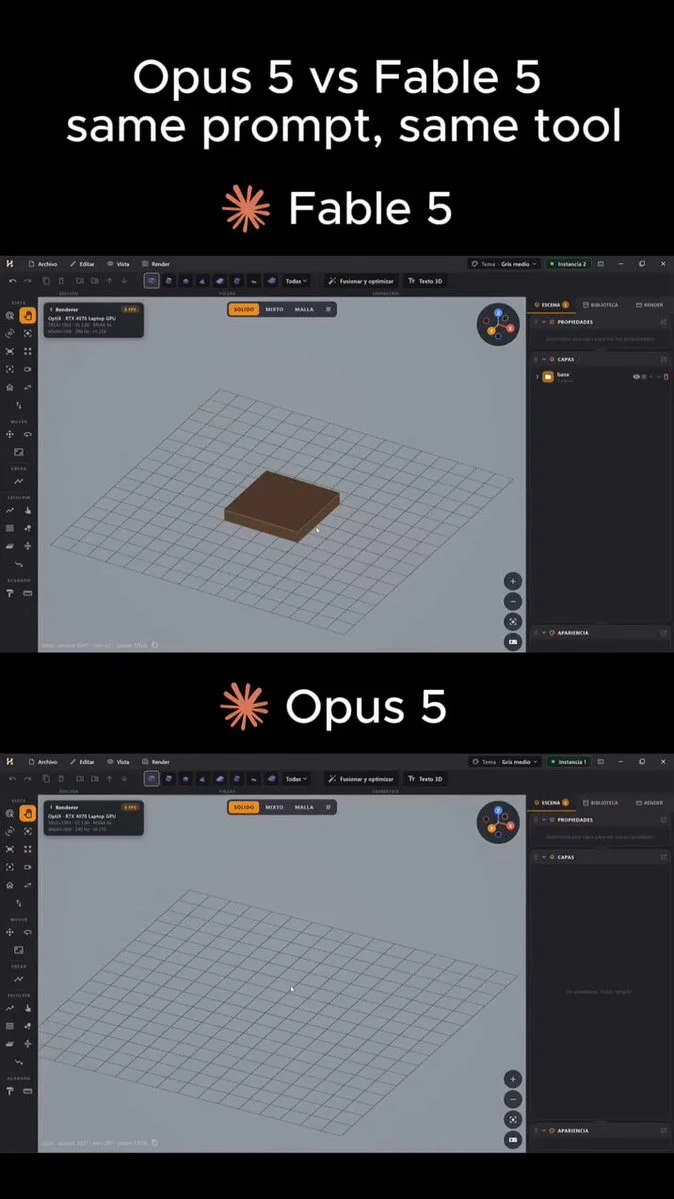
Blender assembly prompt for a Jeep-style 4x4
One-shot hide-and-seek game prompt for Kimi K3
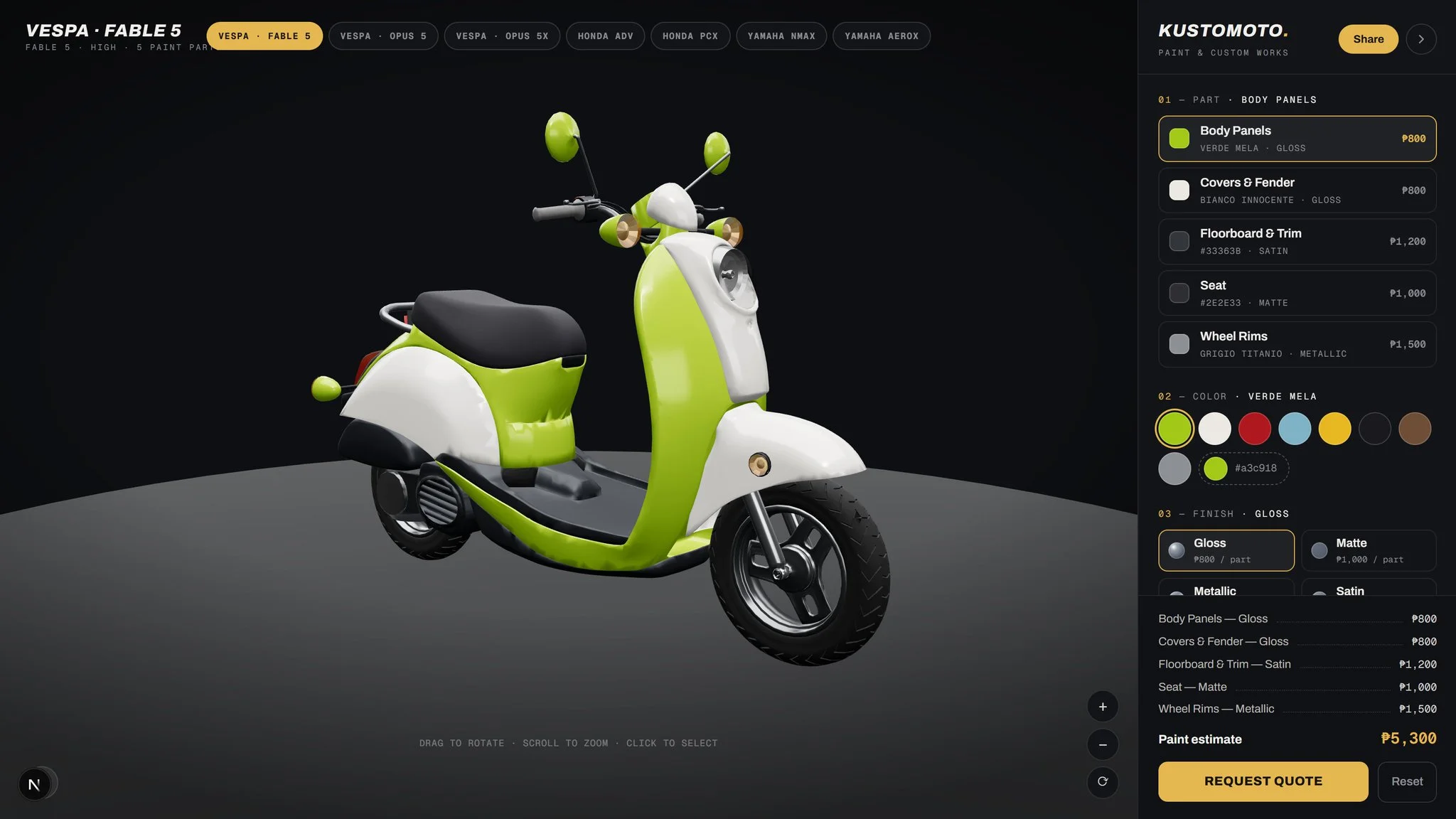
Prompt for adding a Vespa 125 to a 3D configurator
Open-source inspiration
Explore projects with source repositories, then discover the full Astra prompt collection on GitHub.
Prompt guide
Better 3D prompts start with a clear picture.
Describe what someone should see and do. A focused first version is easier to improve than a long list of features.
01 / SUBJECT
Choose a clear focal point.
Name the place, character or object. Say what makes it distinctive: a moss-covered observatory, a small robot gardener, a ceramic teapot.
02 / LOOK & FEEL
Set the visual direction.
Describe materials, palette and lighting. Use specific cues such as warm afternoon light, matte clay surfaces or a limited pastel palette.
03 / EXPERIENCE
Describe the camera and controls.
Should the viewer orbit a scene, walk through it or play a game? Define one camera view and the main interaction before adding more.
FAQ
A little direction, before you begin.
What is a 3D prompt?+
A 3D prompt describes an object, scene or interactive experience you want to create. Depending on the tool, the result can be a 3D model, Blender scene or browser project. Each example includes context and source links so you can choose the right workflow.
Are these the creators' exact prompts?+
Some are verified original prompts; others are reference briefs reconstructed from public project descriptions. Each detail page labels the evidence. A preview shows the creator's work and does not guarantee an identical result.
Can I use these examples for commercial projects?+
You can browse and adapt the briefs, but linked code, models and media may have separate licenses. Check each creator's source and repository before reusing assets commercially.
How do I turn an idea into a 3D model?+
For a single character or prop, describe the object or upload a reference image in a 3D creation tool. For a complete game or website, use the prompt in a coding workflow, then import the models you need into the scene.